
Sale




- 描述
- 其他信息
- 用户评价 (2)
描述
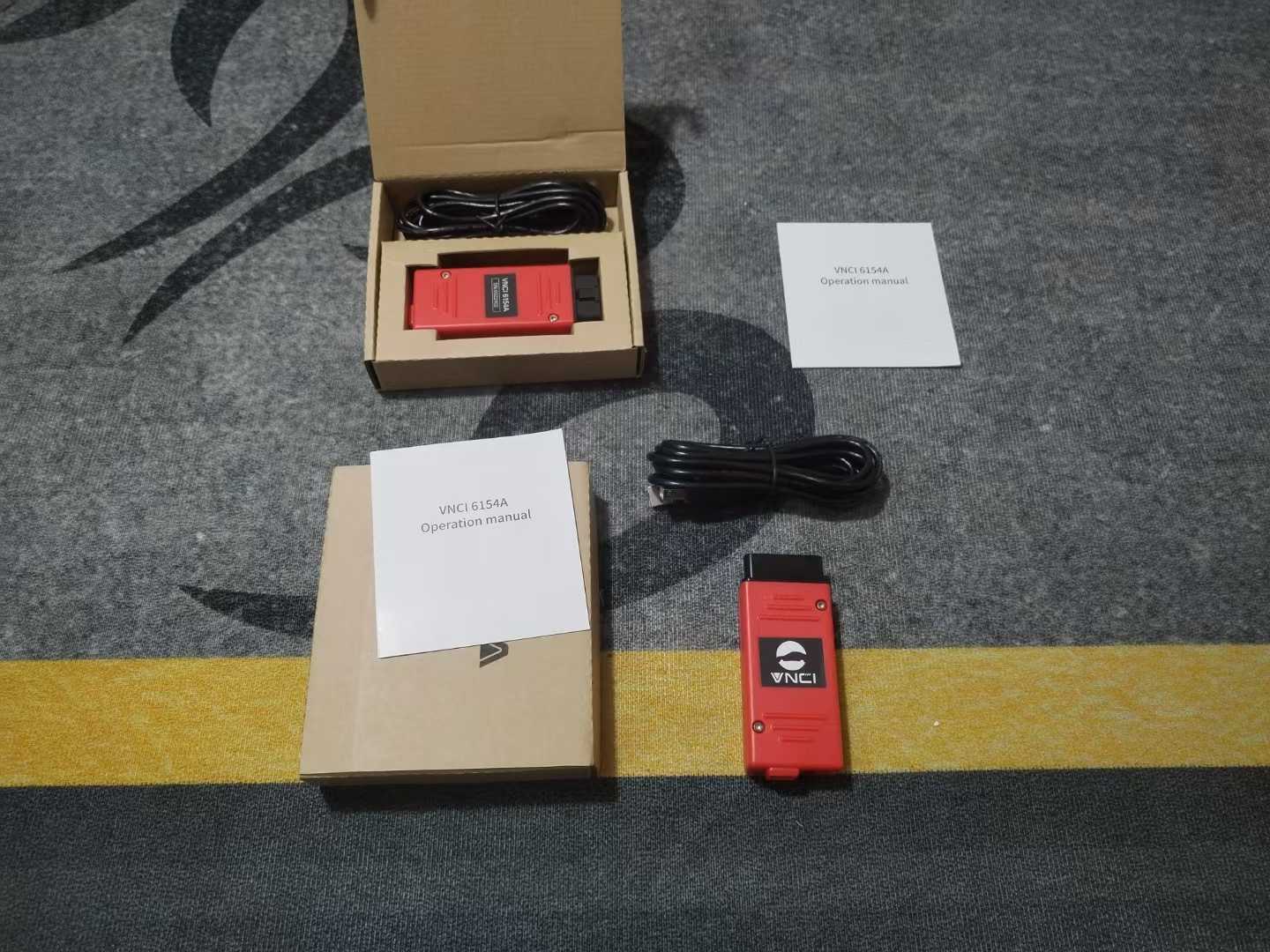
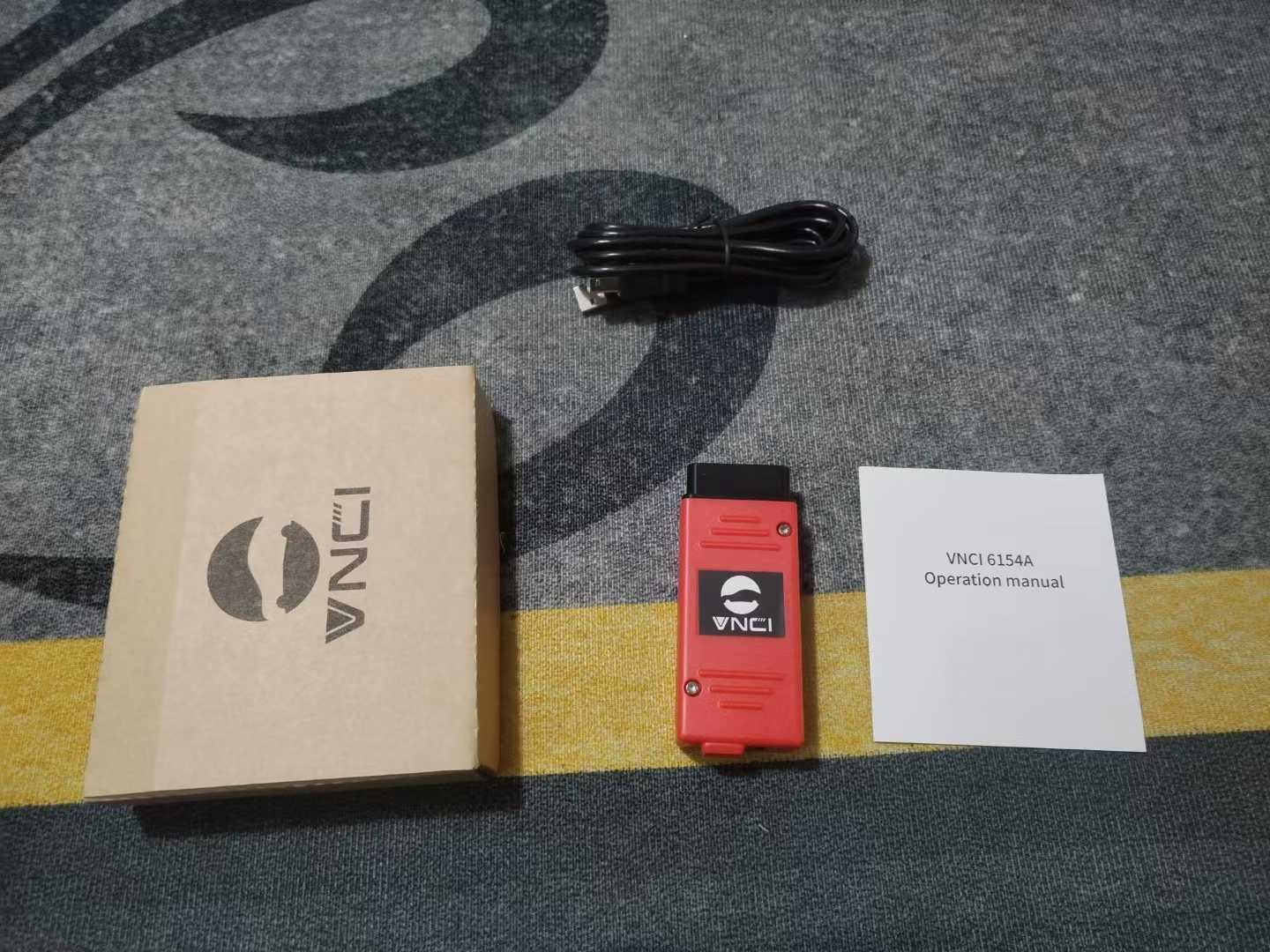
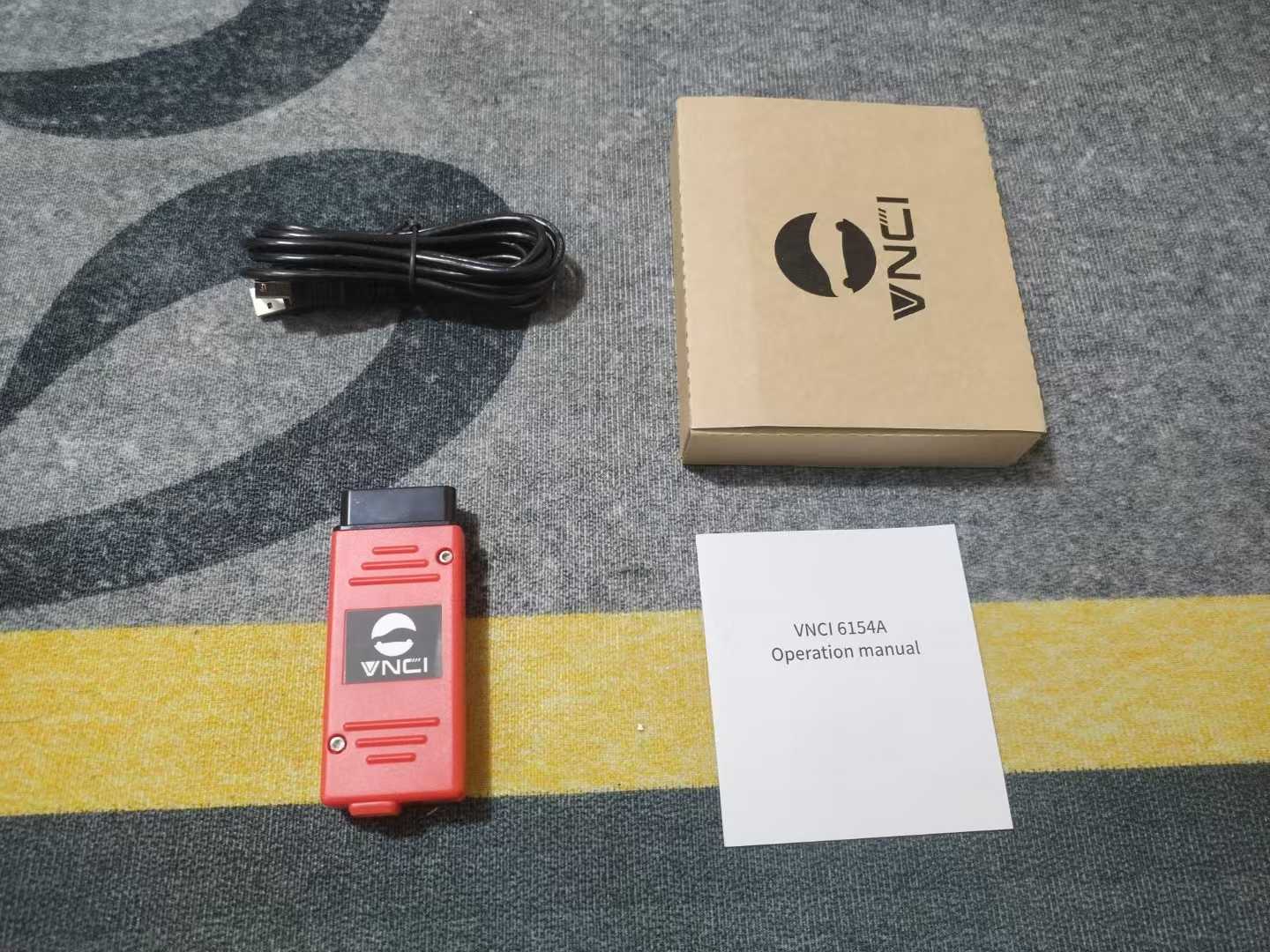
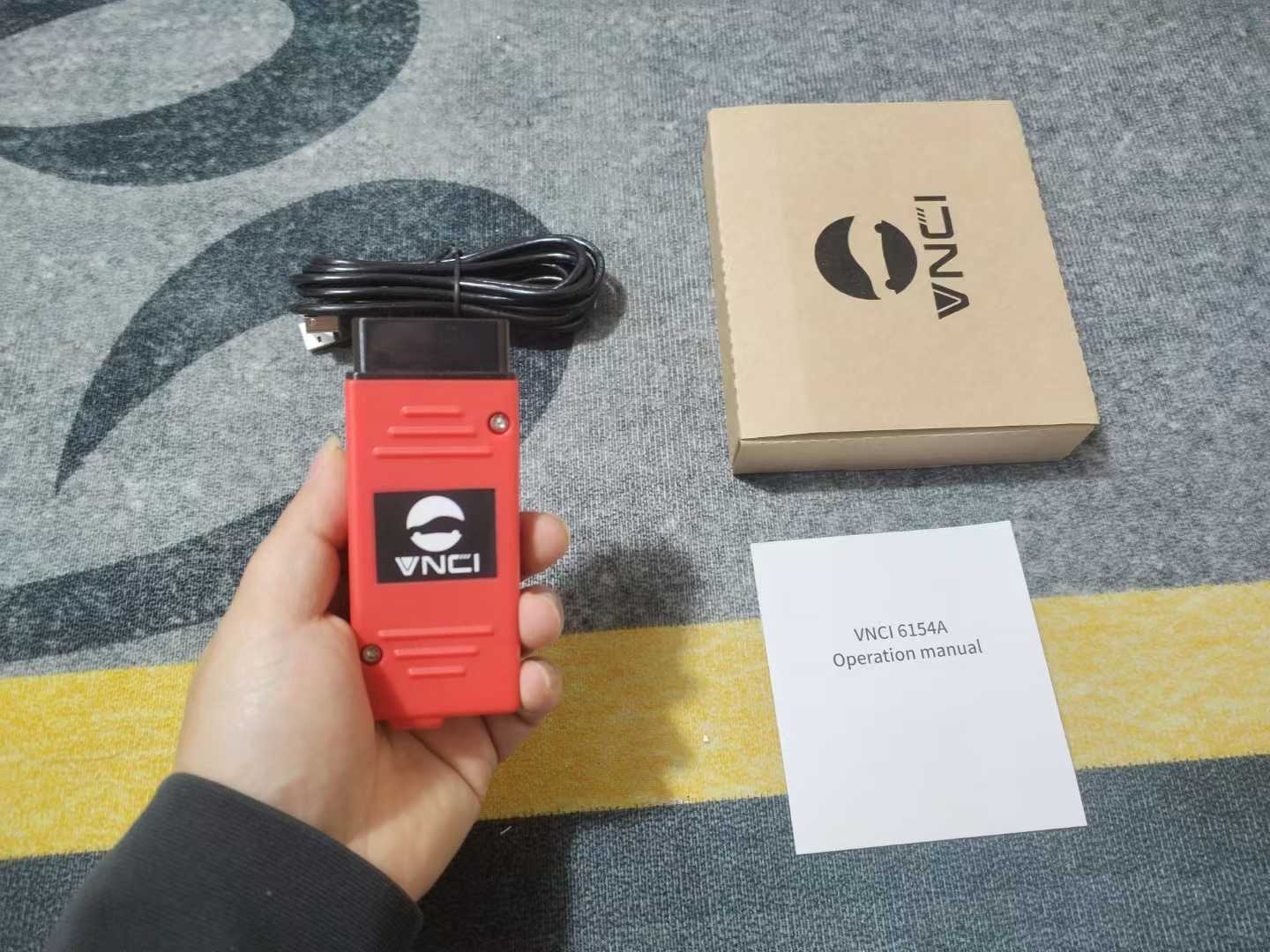
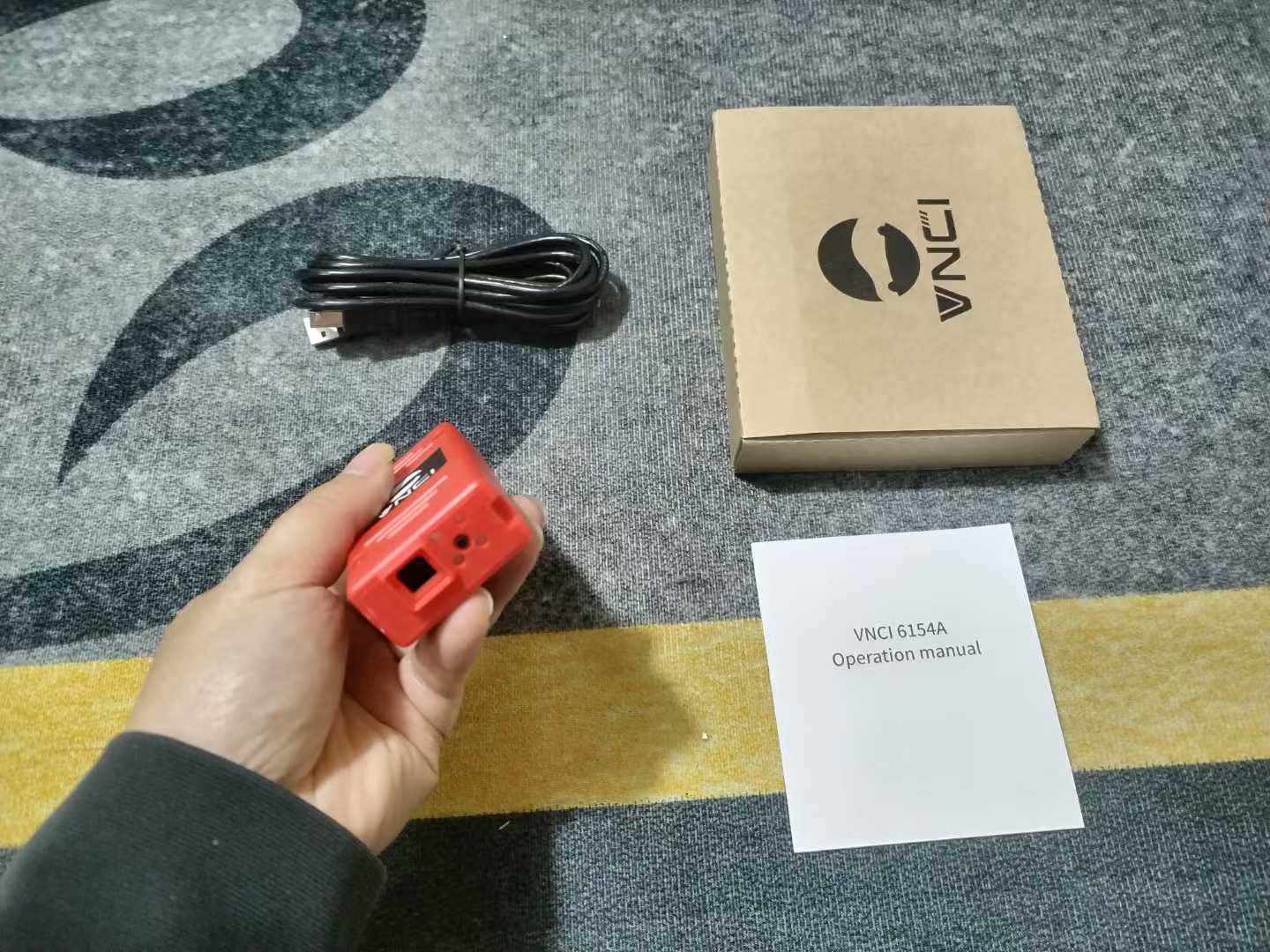
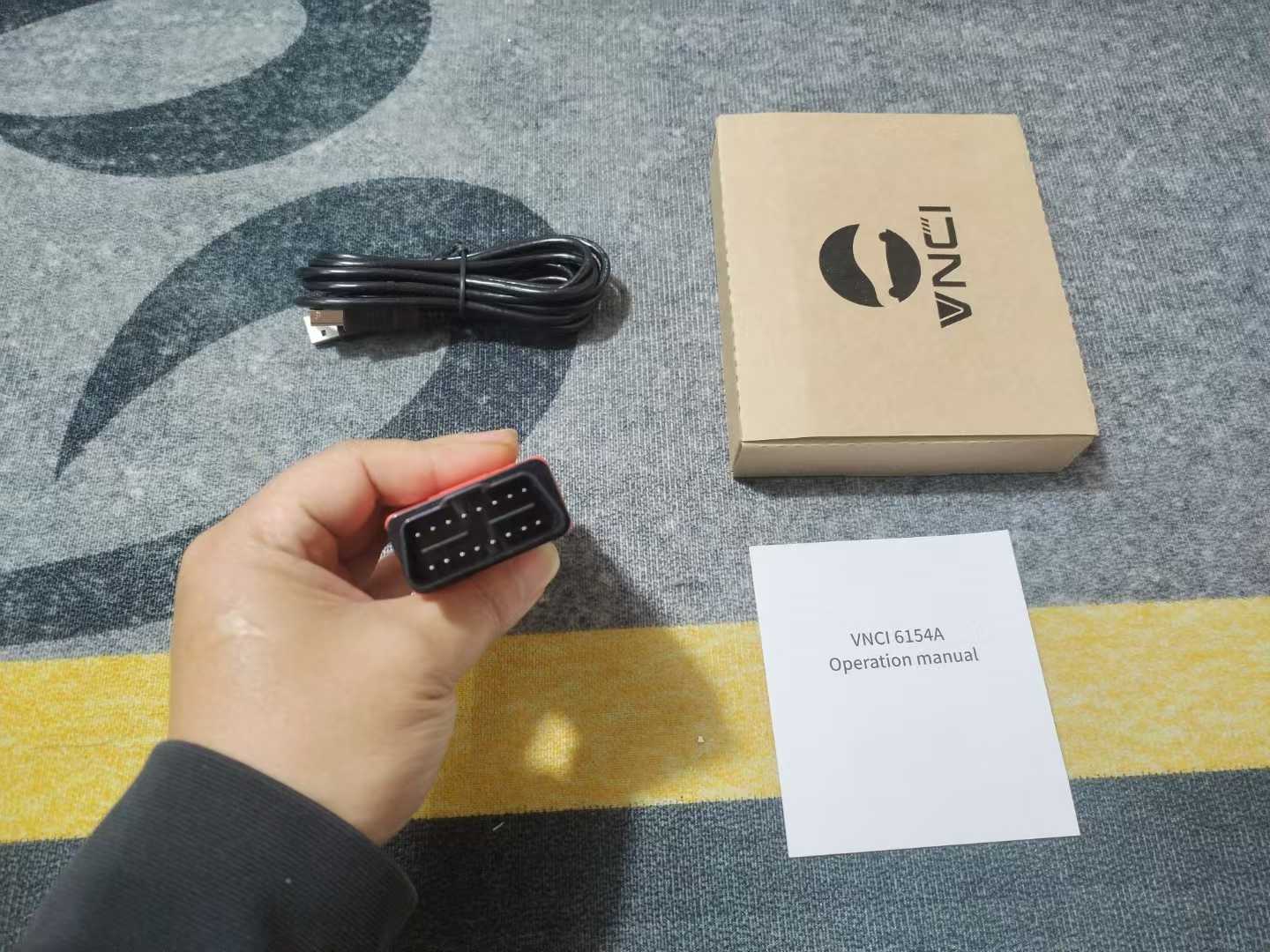
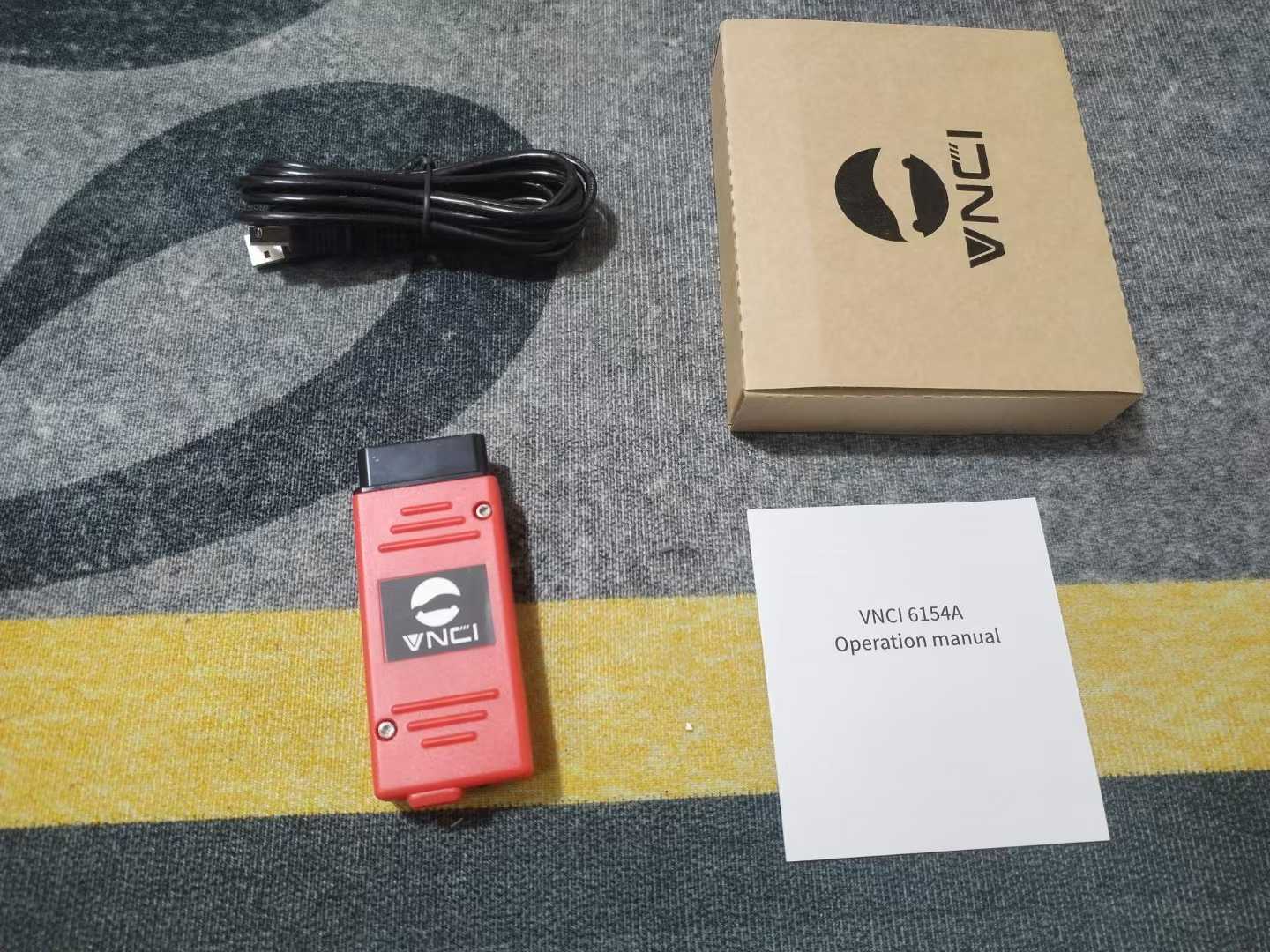
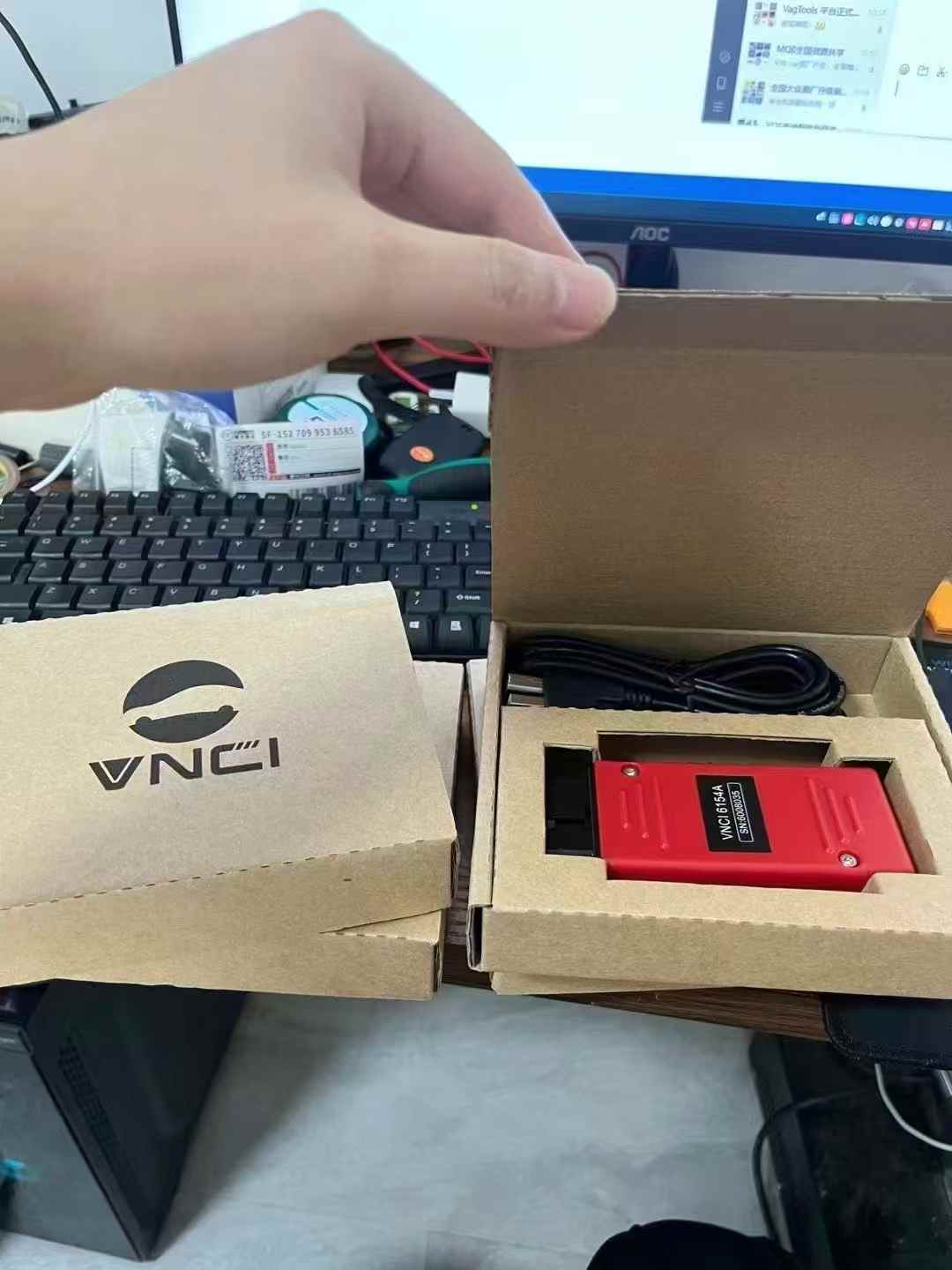
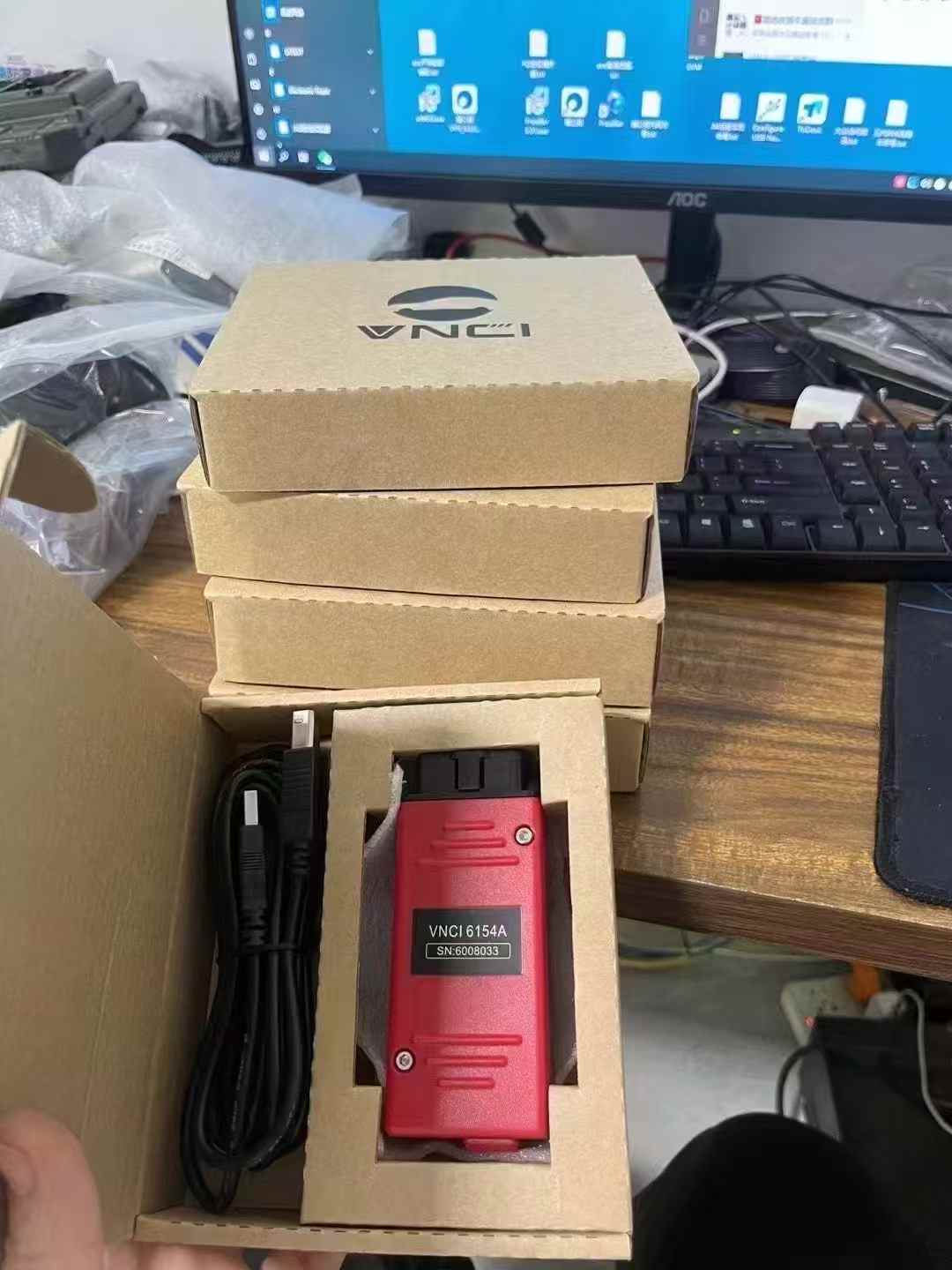
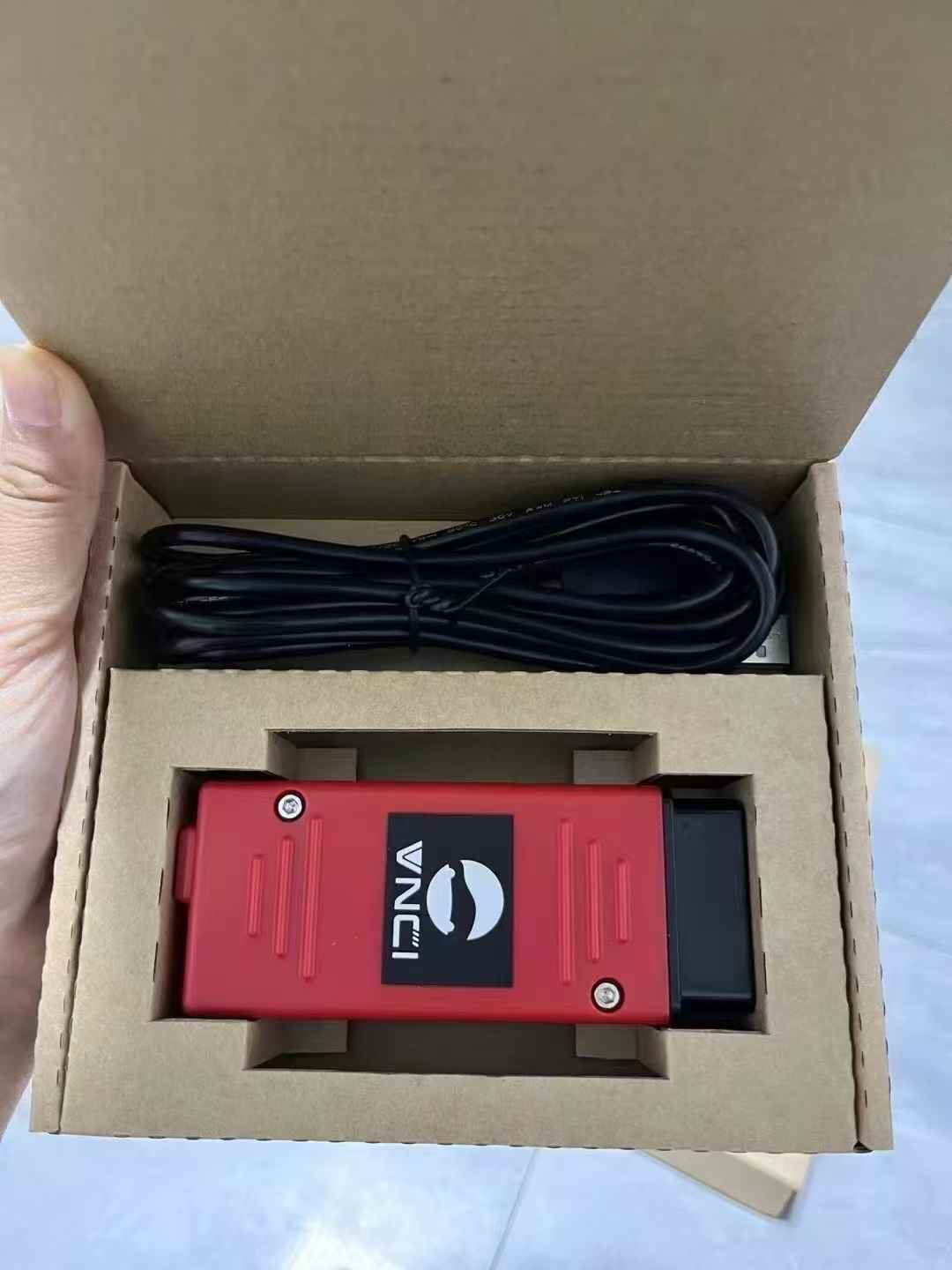
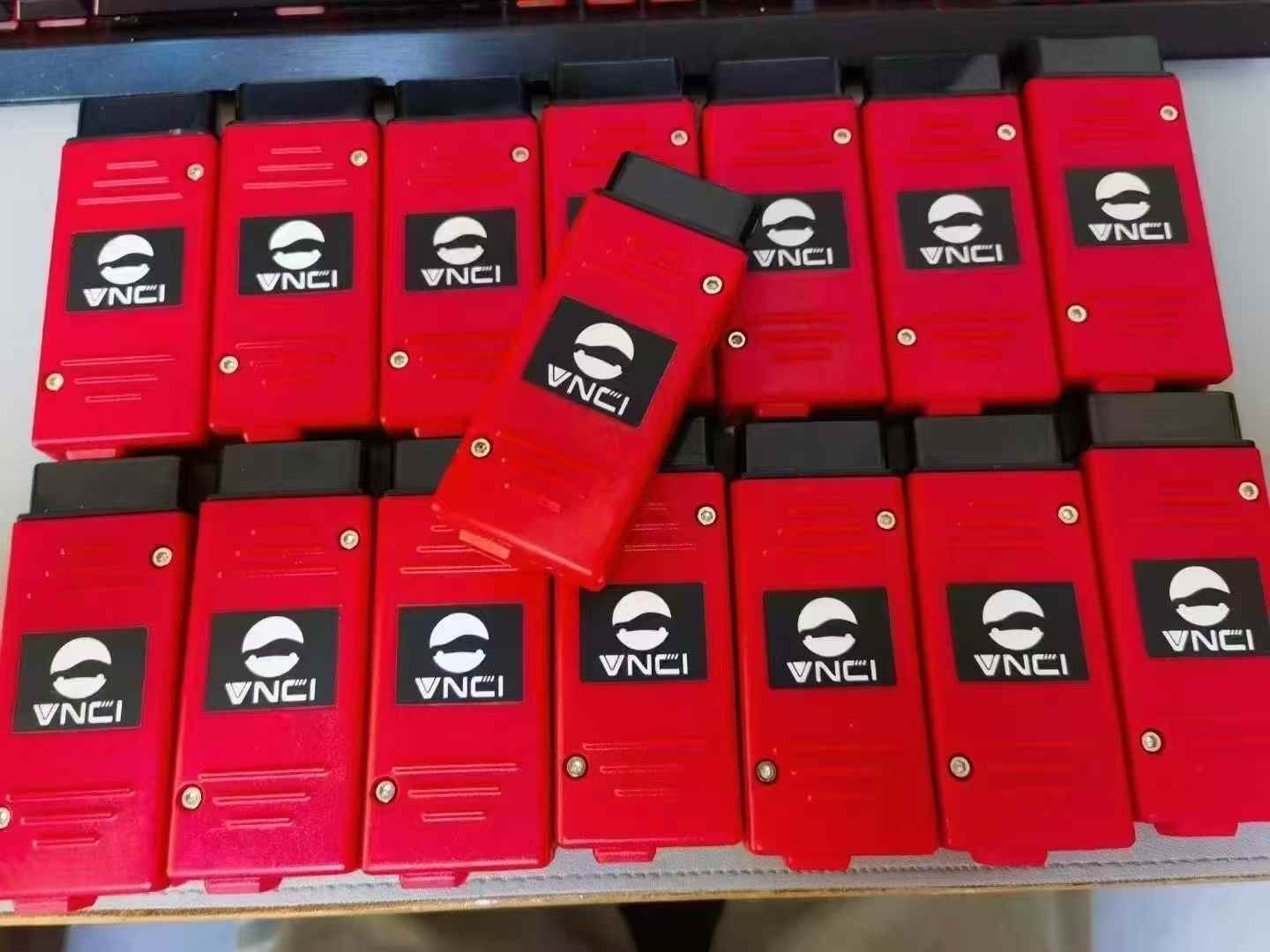
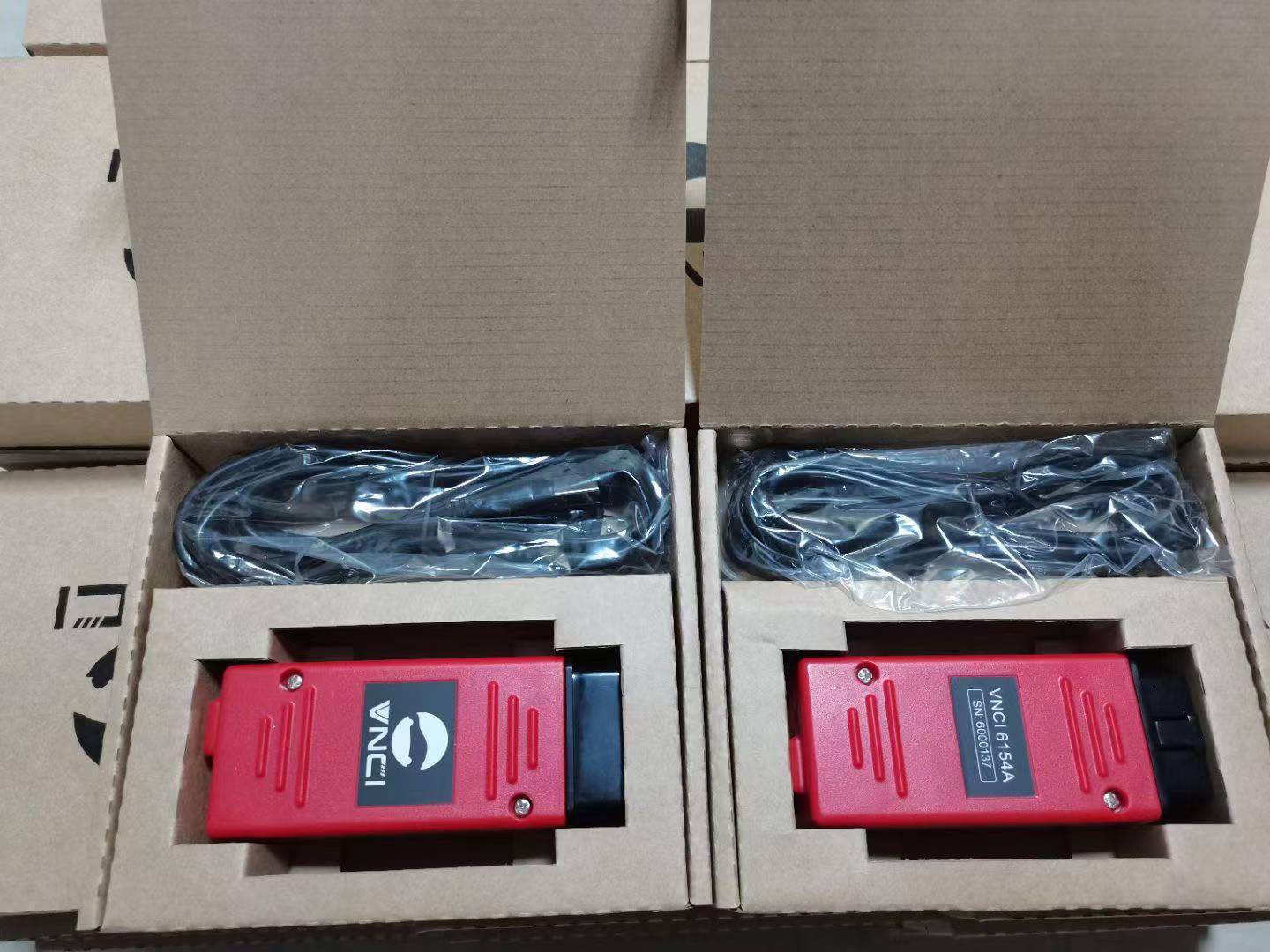
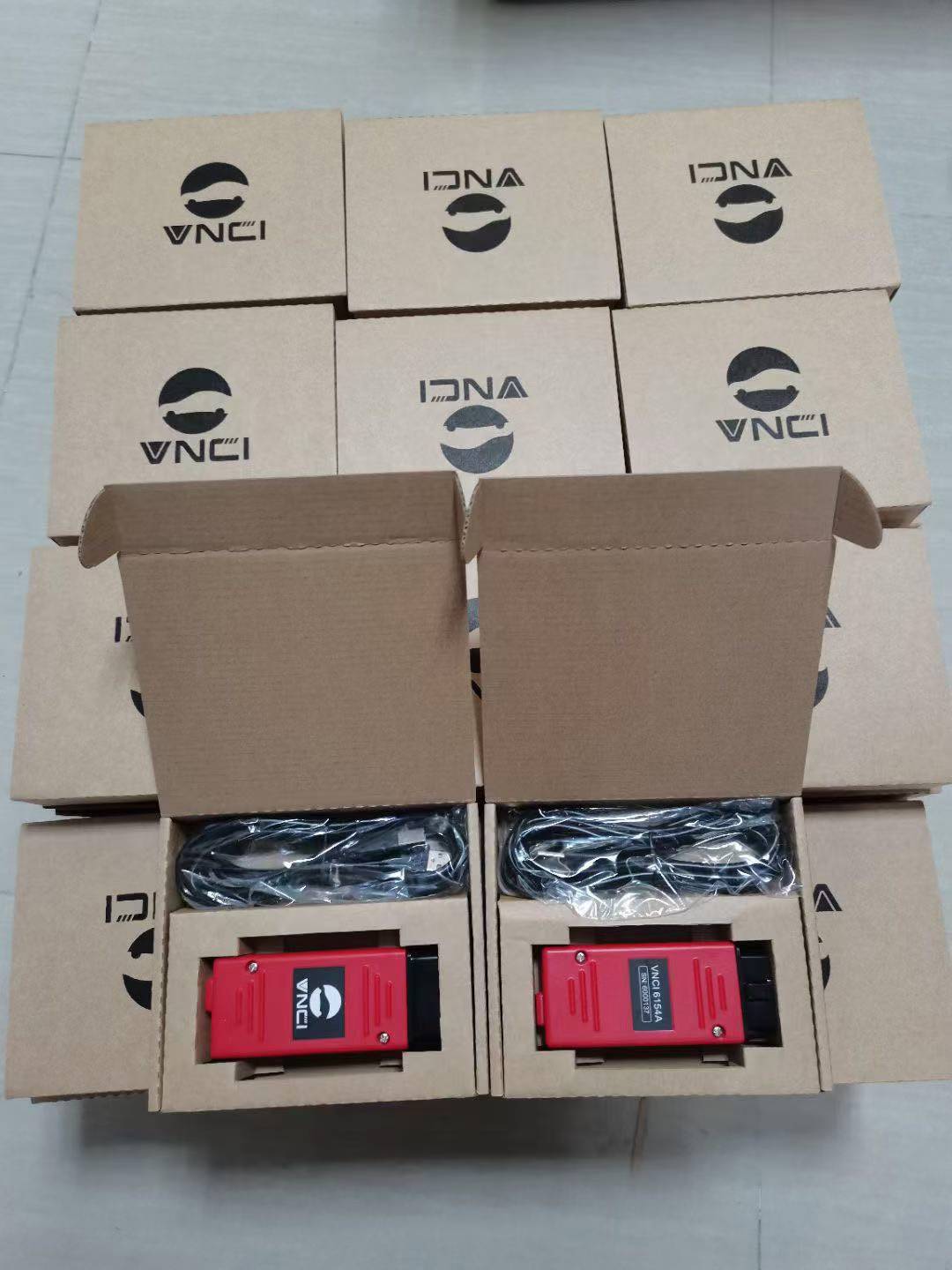
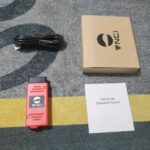
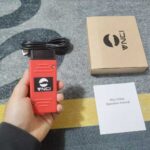
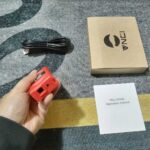
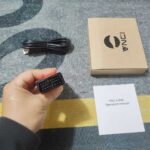
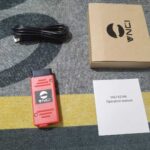
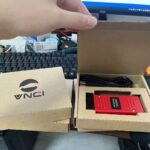
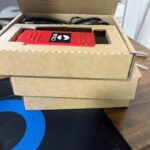
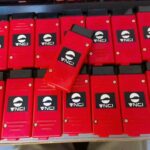
Red VNCI 6154A VAG Diagnostic Tool perfectly replaces VAS 5054A and added CANFD DOIP Protocol. Audi VW VNCI 6154A ODIS FD Doip Support ODIS Latest Version Software ODIS 25.0.3 compatiable with ODIS Engineer V19.01 Works with original driver not need VNCI 6154A driver manager. CheShiTech.com Wifi VNCI 6154A Red Color VNCI 6154A VCI V25.0.3 VNCI 6154A VAG odis VW Group Diagnostic Tool Supports CAN FD and DoIP protocol, works for all VAG Brands from 1995 to 2025.
Red VNCI 6154A VAG Diagnostic Tool Audi VW VNCI 6154A ODIS FD Doip Support ODIS Latest Version Software ODIS 25.0.3 compatiable with ODIS Engineer V19.01 Works with original driver not need VNCI 6154A driver manager
CheShiTech.com Wifi VNCI 6154A Red Color VNCI 6154A VCI V25.0.3 VNCI 6154A VAG odis VW Group Diagnostic Tool Supports CAN FD and DoIP protocol, works for all VAG Brands from 1995 to 2025
Software Selection:
1.Without software
2.With ODIS Latest Version Software SSD ODIS 25.0.3 [PlusUS$80.00]
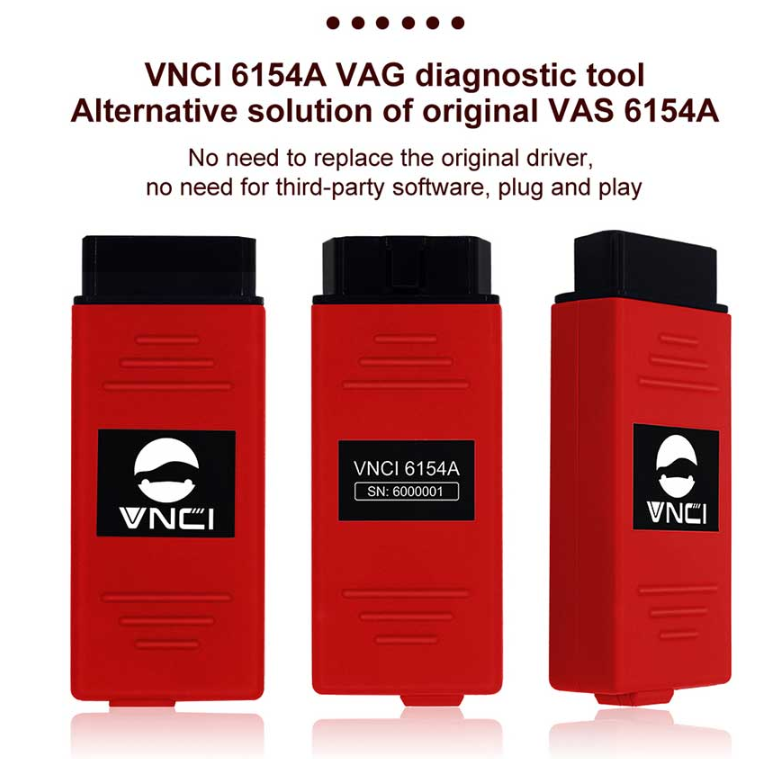
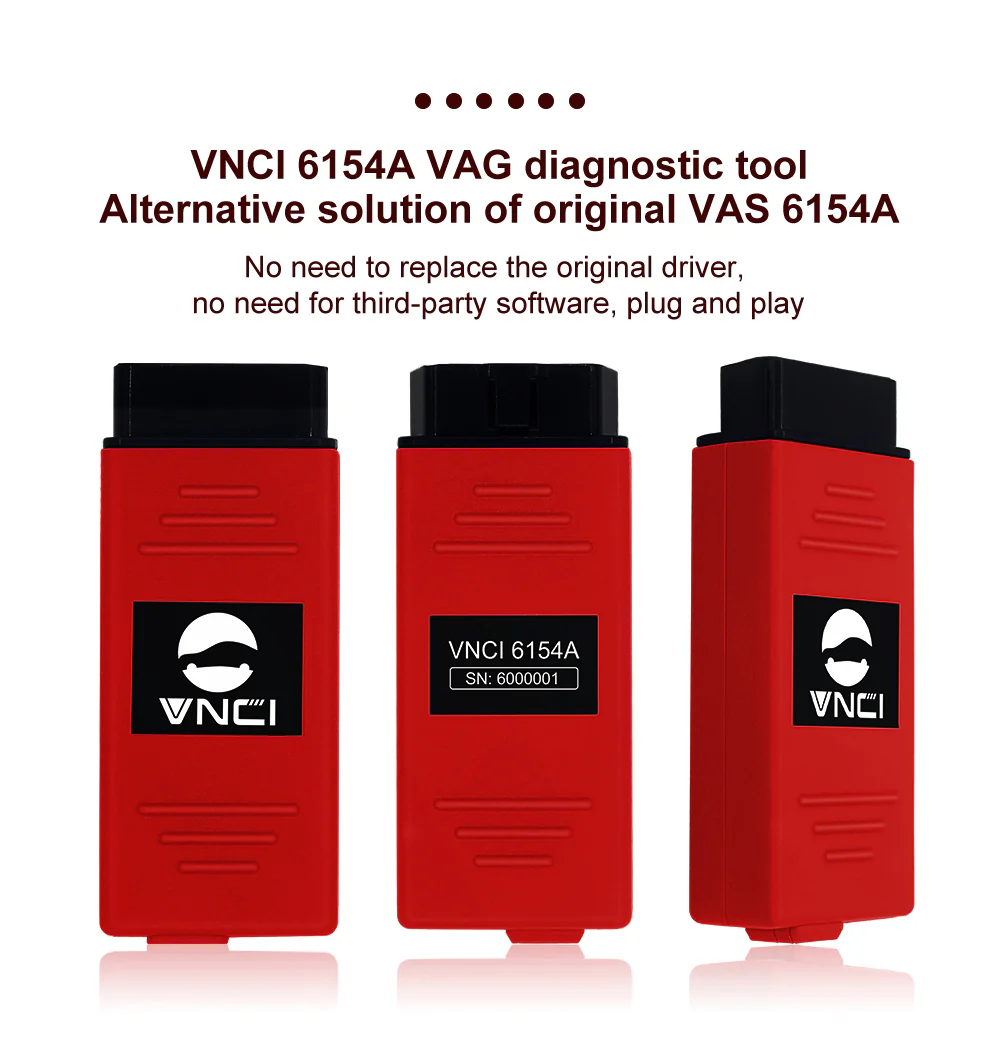
1.VNCI 6154A VAG Diagnostic Tool is the alternative solution of original VAS 6154A
2.Works with original driver, Don’t need driver manager.
3.No need for third-party software, plug and play
4.Supports CAN FD and DoIP protocol, works for all VAG Brands from 1995 to 2025
5.Latest Version: ODIS V25.03 and compatiable with ODIS Engineer V19.0
Audi VW ODIS VNCI 6154A VCI Description:
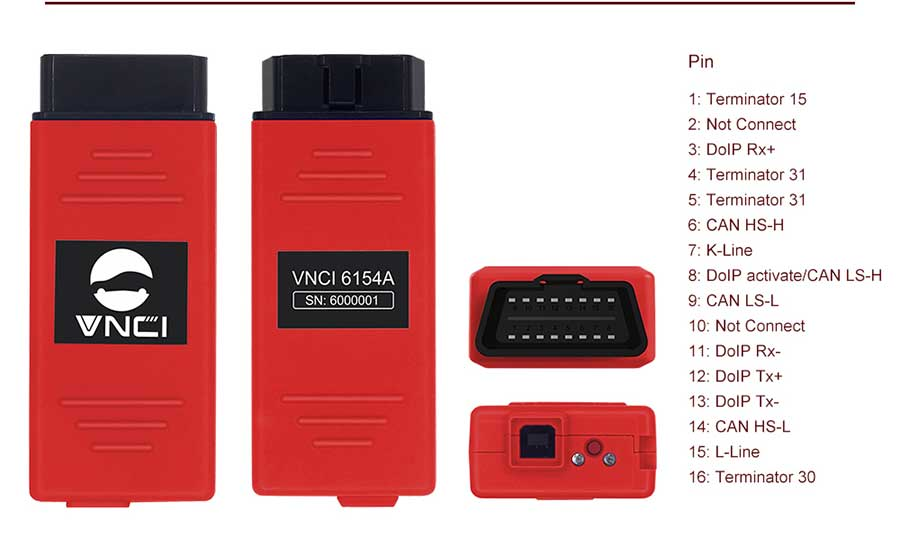
VNCI 6154A is the OEM 6154A Diagnostic Adapter that is compatible with latest ODIS and original drivers of different versions, so you can switch freely without modifying any files. It perfectly replaces VAS 5054A and added CANFD DOIP Protocol. VNCI 6154A is a universal diagnostic interface for the vehicles of the Volkswagen Group including VW, AUDI, SKODA, SEAT, Bentley, and Lamborghini.
What is VNCI 6154A VAG Diagnostic Tool:
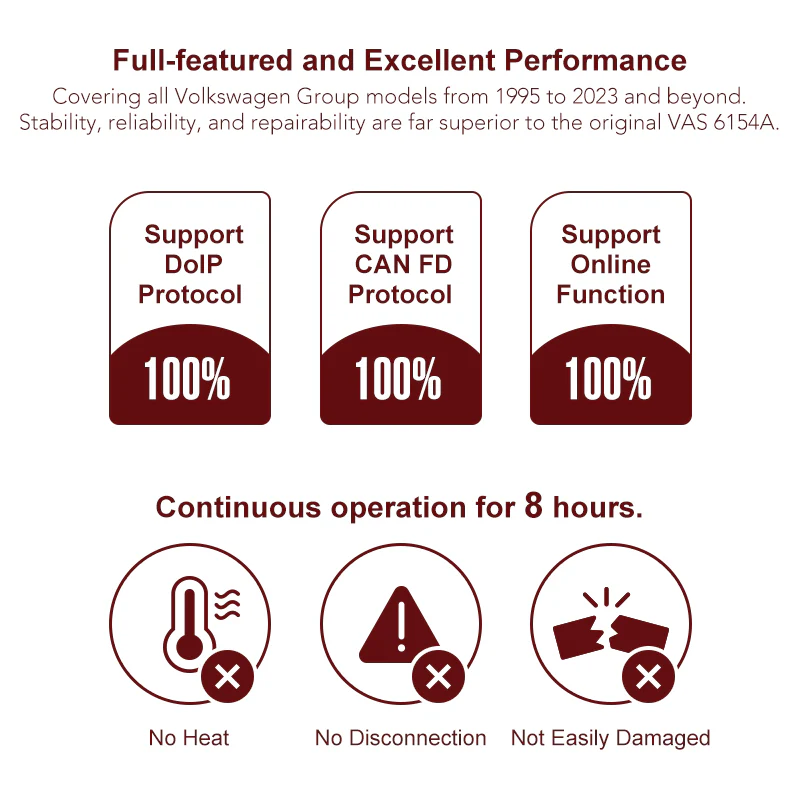
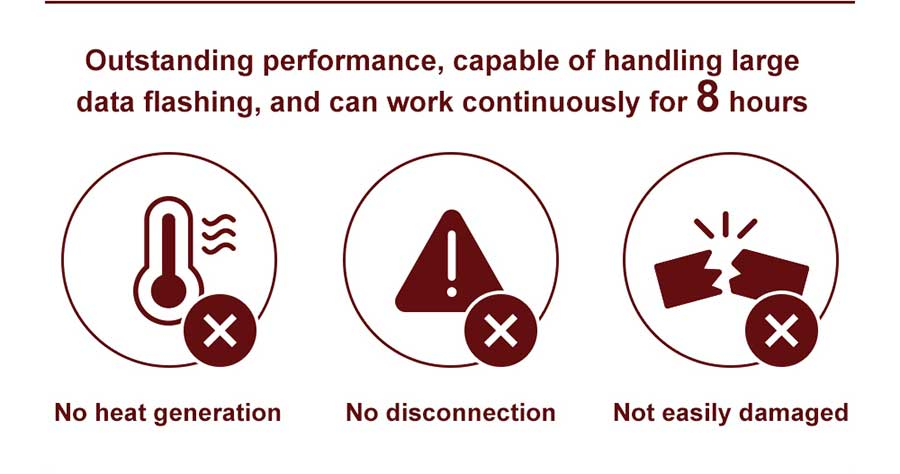
VNCI 6154A VAG diagnostic tool is 100% Compatible with original drivers of different versions, so you can switch freely without modifying any files. It supports the latest ODIS service software and continuous operation for 8 hours.
VNCI 6154A is a universal diagnostic interface for the vehicles of the Volks-wagen Group including V-W, A-UDI, SKODA, SEAT, Bentley, and Lamborghini.
VNCI 6154A Highlights:
With base station/hotspot mode switching button.
Free license until 2030 year
Works for all VAG Brands from 1995 to 2025
Supports WiFi, WLAN and USB Connection
Supports Win10/Win11 64bit systems.
Support languages: English (GB), English (US),
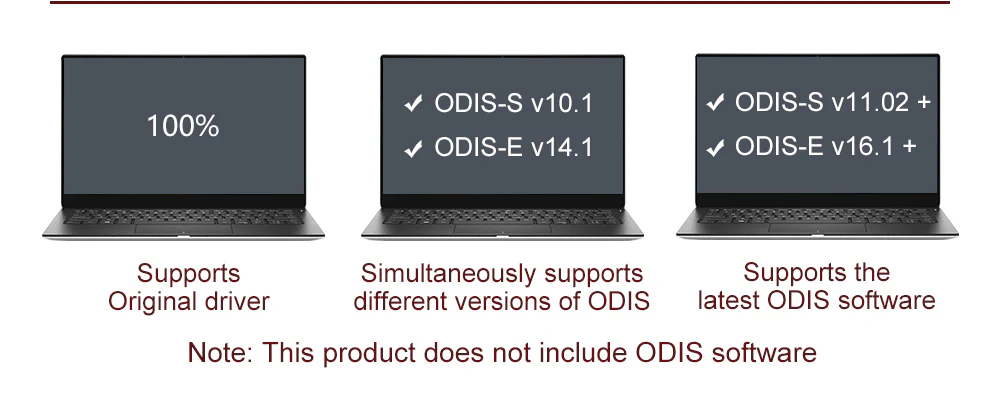
Compatible with ODIS-S V9.1.0, V10.0, V11.0, V23,V25.03 ; ODIS-E: V14.1/V15.0/V16.0/ V17/V19
Supports Online/Offline programming (with online account)
Flashing of hidden features
Support all ODIS service and ODIS engineer function
Not need any license for VNCI. Use normal odis installation with launcher. Running original drivers without any modifications.
Compatible with latest ODIS-S V25.03 and ODIS V19 after firmware upgrade
VNCI 6154A Driver Download: rokwy.com/download/VNCI6154ADevMngrSetup.exe
WIFI Password: 12345678
VNCI 6154A Software Information:
Notice: We can supply the free V23 ODIS Software Download Link, But don’t include the ODI-S Engineer Software.
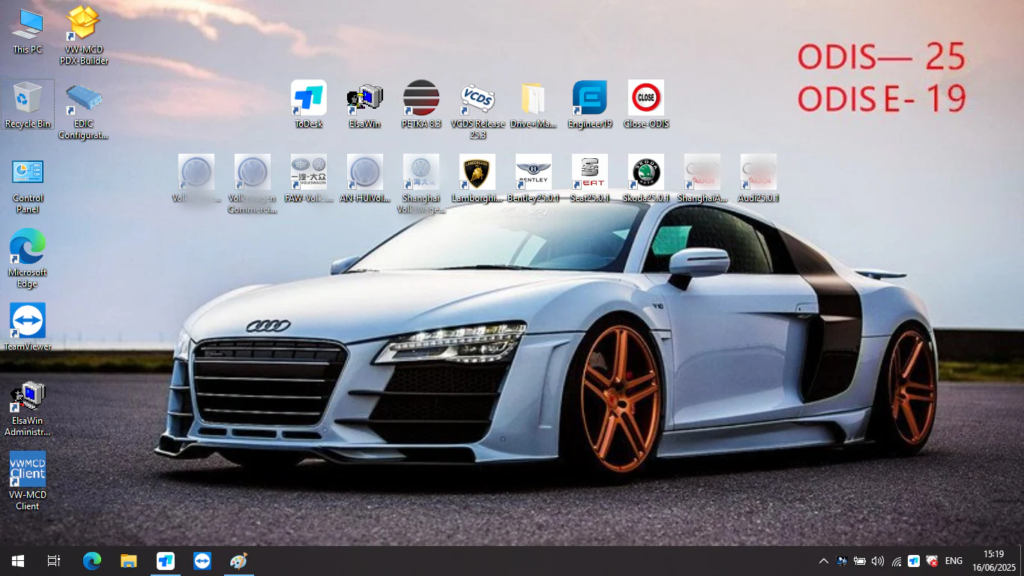
1. ODIS V25.03 Software SSD Included: (Need to purchase)
(1) ODI-S 25.03 includes: A-udi, Skoda, FAW-Volkswagen, Volkswagen, Shanghai Volkswagen, Volkswagen Commercial, Bugatti, Lamborghini, SEAT, MAN, Bentley, VCD-S 24.7
(2) ODI-S Engineer Software: V19 Version
(3) ETKA 8.3, data updated to 2023
(4) Elsawin 6.0, support V-W, A-udi, data updated to 2016.1
(5) VCD-S V25.3 needs to work with V-CDS Hex-V2 cable
(6) Including FAW-Volkswagen, Shanghai Volkswagen, imported Volkswagen, commercial vehicles, Audi, Lamborghini, Bentley, Skoda, Seat, Bugatti, MAN, a total of 11 brands + parts query software PETKA8.3 parts query data updated to 2023 (including Volkswagen Audi Skoda West Astra Porsche)
2. SSD Size: 256G ( SSD runs faster than HDD )
3. ODIS Software Support Multi-language: English, German, Spanish, French and Korean
4. PC Requirement: I5/I7 Processor, 4GB RAM minimum or above
5. Operation System: Win10 64bit
6. Support online programming, need ODIS online account.
What is the difference between the NEW 6154 DOIP Version and the normal 6154?
DOIP 6154 can support DOIP diagnosis, especially it can do 2018 to 2025 new cars,
DOIP 6154 supports more protocols (CAN FD and DoIP) than the old 6154.
You don’t need any program or manager to run this VCI.
The VCI loads the firmware very stable.
It works with WLAN and also with USB.
VNCI 6154A Connection:
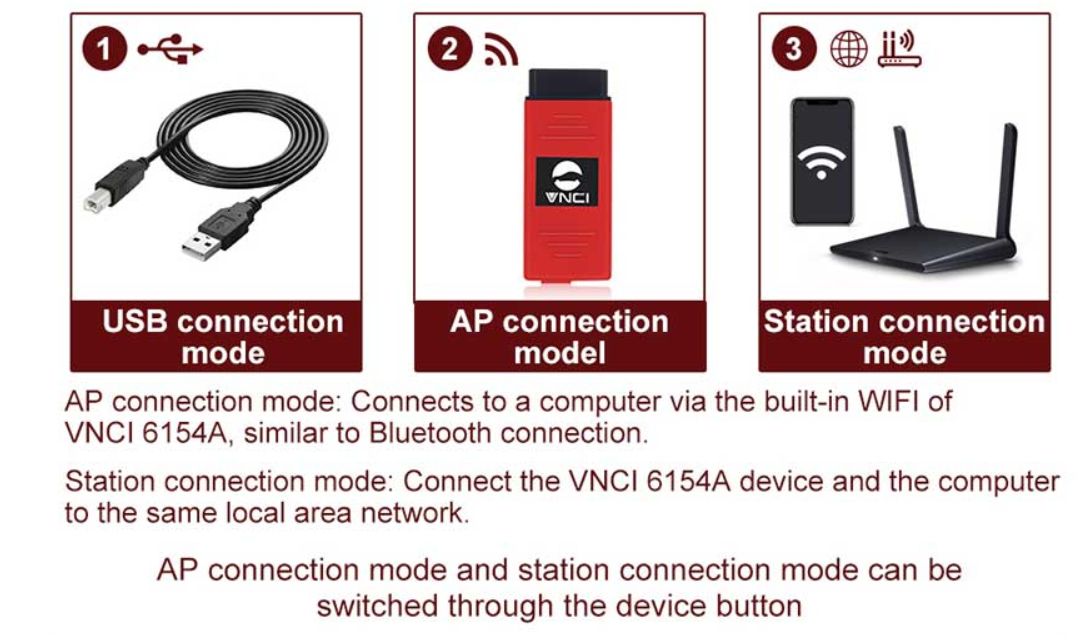
Three connection methods to adapt to various scenarios: USB connection mode, AP direct connection mode, Base station connection mode.
1. USB connection mode: connect VNCI 6154A with computer via USB cable
2. AP(WIFI) connection mode: Power to VNCI 6154A through the OBD port, and then connect VNCI 6154A with computer via device WIFI, similar to Bluetooth connection
Connecting to WiFi:
Power on the device.
Locate the WiFi icon in the lower right corner of the screen.
Click on the WiFi icon to initiate a search for available networks.
Select the desired WiFi network from the list.
Enter the default password “1-8” when prompted.
Once connected, you can start using the WiFi functionality.
3. Base station(WLAN ) connection mode: Add VNCI 6154A and current computer to the current WLAN, and then power to VNCI 6154A through the OBD port.
Why choose VNCI 6154A VAG Diagnostic Tool:
1. Alternative solution of original VAS 6154A:
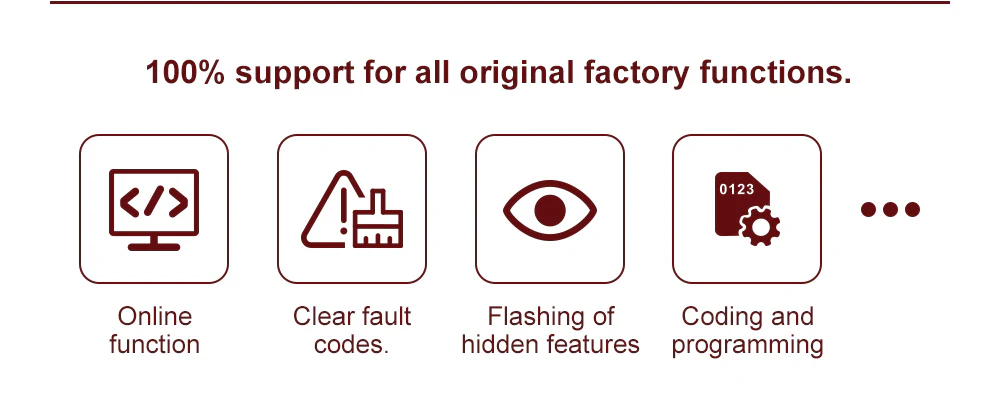
Full-featured and Excellent Performance, Covering all Volkswagen Group models from 1995 to 2023 and beyond. Stability, reliability, and repairability are far superior to the original VAS 6154A. Support DoIP protocol, Support CAN FD protocol Support online function Plug and play Capable of handling large data flashing. 100% support for all original factory function.
2. Supports Latest ODIS Sofwtare:
3. Supports the following Vehicle Bus Systems:
K line (ISO9141-2)
High-speed CAN (ISO 11898-2)
Low-speed CAN (ISO 11898-3)
J1850 (SAE)
4. Suitable for beginners & professional car repair shops:

ODIS VNCI 6154A VW Group Diagnostic Tool Main Features :
1. VNCI 6154A Work with original driver, don’t need driver manager, no need for third-party software, plug and play
2. 100% support for all original factory function.
3. With base station/hotspot mode switching button
4. Software Version: ODIS V24.1.1 , Compatiable with ODIS Engineer: V14.1/V15.0/V16.0/V18
Hardware Version: 1.1.2.8. Newly add the CAN trace function and more stable for USB connection
5. Support DoIP, CAN FD protocol
6. Free license till year 2030
7. Covering all Volkswagen Group models from 1995 to 2024 and beyond
8. Full Multilanguage edition covered 22 languages: English (GB), English (US), French (FR), German (DE), Spanish (ES), Russian (RU), Greek (GR), Danish (DK), Croatian (HR), Italian (I), Hungarian (HU), Netherlands (NL), Polish (PL), Portugal (PT), Romanian (RO), Slovenian (SLO), Finish (FI), Swedish (SW), Turkish (TR), Czech (CZ), Japanese (JP), Chinese (CN), Korean (KO).
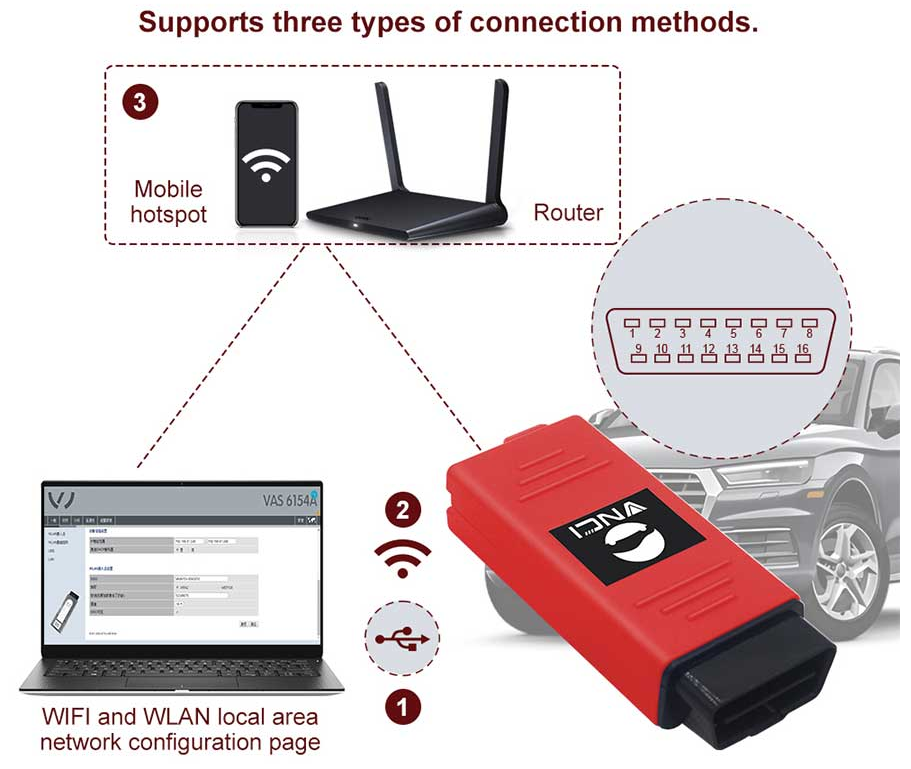
9. Three connection methods to adapt to various scenarios
1. USB connection mode: connect VNCI 6154A with computer via USB cable
2. AP(WIFI) connection mode: Power to VNCI 6154A through the OBD port, and then connect VNCI 6154A with computer via device WIFI, similar to Bluetooth connection
Connecting to WiFi:
Power on the device.
Locate the WiFi icon in the lower right corner of the screen.
Click on the WiFi icon to initiate a search for available networks.
Select the desired WiFi network from the list.
Enter the default password “1-8” when prompted.
Once connected, you can start using the WiFi functionality.
3. Base station(WLAN ) connection mode: Add VNCI 6154A and current computer to the current WLAN, and then power to VNCI 6154A through the OBD port.
ODIS VNCI 6154A VW Group Diagnostic Tool Functions:
Online function
Clear fault codes
Flashing of hidden features
Coding and programming
Covering most of the models under Volkswagen Group’s automotive brands
Support ODIS service V9.10/V10.0/V11.0+/V24.1.1
Support ODIS Engineer V14.1/V15.0/V16/V18
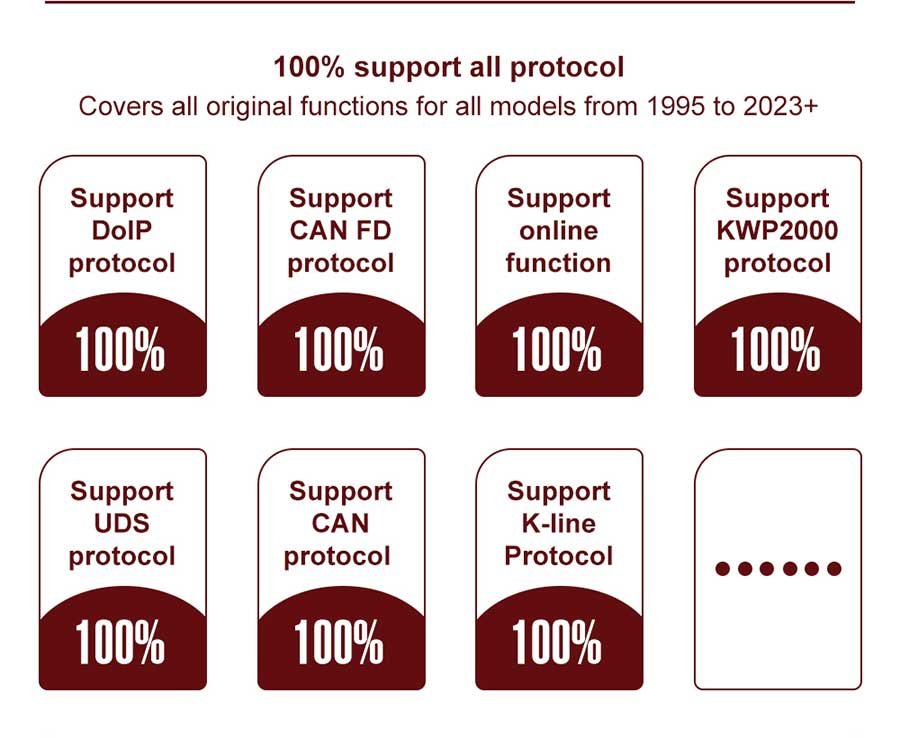
100% Support DoIP protocol?
100% Support CAN FD protocol
Support KWP2000/UDS/CAN/K-Line……etc protocol
100% support all protocols
Vehicle diagnosis
Online/Offline programming
Flashing of hidden features
Support all ODIS service and ODIS engineer function
etc……
Red VNCI 6154A Features:
– Estimated remaining times are shown for ECU flash operations.
– Diagnostic protocol contains interruptions of GFF sessions, extended measurement values, improved ECU communication view, used diagnostic hardware, connection type of diagnostic hardware, operating system, the hotfix used, and submissions of support requests
– The measured value display has been improved.
– Documents in GFF are displayed in separate windows.
– One message box will be shown at the beginning of the test drive mode.
– GFF hotfixes can be integrated during diagnostic sessions.
– Danger messages have been revised.
– Stopping diagnostic sessions may be interrupted.
– Automatic deletion of autosave diagnostic protocols after successful transmission.
– Selection of PassThru diagnostic hardware has been improved.
– Service Software update has been stabilized.
VNCI 6154A Red Functions:
Automatic recognition of the communication mode with the vehicle
Reading and decoding fault codes
Erasing errors
Viewing current parameters in digital (up to 8) or graphic (up to 6) form
Activation of actuators
Adaptation of blocks and executive units
Coding of electronic components
Restoring basic settings mode
Special test modes (cylinder balance, etc.)
Ability to save and print received data
Automatic scanning of all electronic components of the car with the output of a summary report
Injection system diagnostics
Fuel system diagnostics
Performing service procedures
Control unit software update
Online function
Flashing of hidden features
Coding and programming
Covering most of the models under Volkswagen Group’s automotive brands
Support ODIS service v9.10/v10.0/v11.0+
Support ODIS Engineer v14.1/v15.0/v16.0+
100% Support DoIP protocol
100% Support CAN FD protocol
Support KWP2000/UDS/CAN/K-Line……etc protocol
100% support all protocols
Vehicle diagnosis
Online/Offline programming
Flashing of hidden features
Support all ODIS service and ODIS engineer function
Covered models:
Volkswagen: 1995Y-2024MY+
Audi: 1995MY-2024MY+
Seat: 1995MY-2024MY+
Skoda: 1995Y-2024MY+
Bentley: 1995MY-2024MY+
Lamborghini: 1995MY-2024MY+
MAN: 1995MY-2024MY+



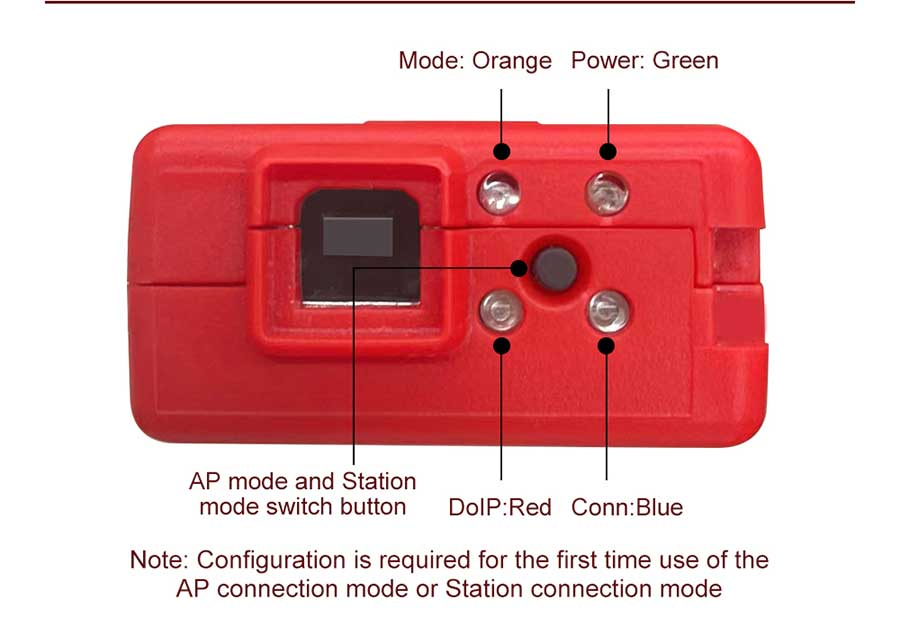
LED light instructions:
Orange: Mode
Green: Power
Red: DoIP communication
Blue: Connection status
Button: AP connect mode and Station connect mode switch button
New Type SVCI 6154A (Red VNCI 6154A) Fixed some bugs:
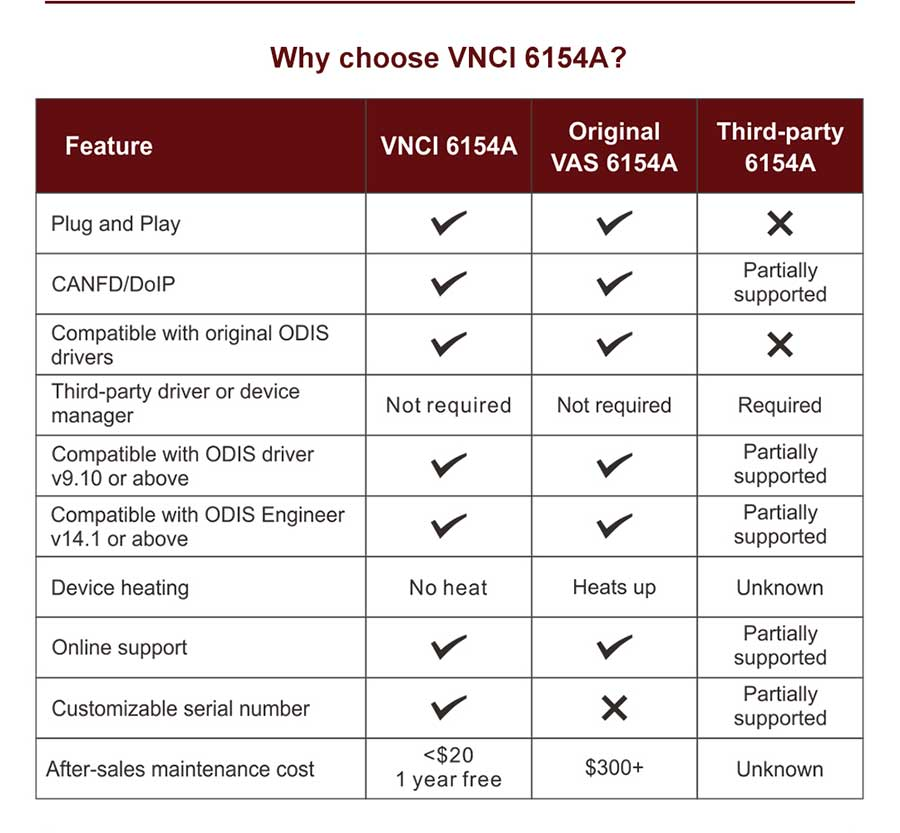
1.Fixed that Interface heats up after long time use (lost firmware)
2.Fully Supported CAN FD and Doip protocols
3.Compatible with Oiginal ODIS all versions driver(Old 6154 only compatible with Original V24 ODIS Driver)
4.Upgrade to support ODIS-S 9.1/10.0/V11.0 and ODIS-E V14.1/V15.1/V16
5.Directly use with ODIS and no need Driver Manager
What is the difference between the NEW 6154 DOIP Version and the normal 6154?
DOIP 6154 can support DOIP diagnosis, especially it can do 2018 to 2024 new cars,
DOIP 6154 supports more protocols (CAN FD and DoIP) than the old 6154.
You don’t need any program or manager to run this VCI.
The VCI loads the firmware very stable.
It works with WLAN and also with USB.
Why should we choose VNCI 6154A ?
1. DOIP 6154 can supports DOIP diagnosis, especially it can do 2018 to 2024 new cars
2. DOIP 6154 supports more protocols than the old 6154
Usage Recommendation:
The original ODIS service or ODIS engineer software must be installed original software
The original driver can not be replaced, and third-party ODIS driver can not be installed
Computer System requirements:
Windows10 64-bit professional edition
4GB of memory
At least 100GB of free space on the C driver
VNCI 6154A Power Supply Methods:
OBD port 12 power supply
USB port 5v power supply
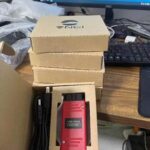
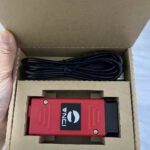
ODIS VNCI 6154A VW Group Diagnostic Tool Package Includes:
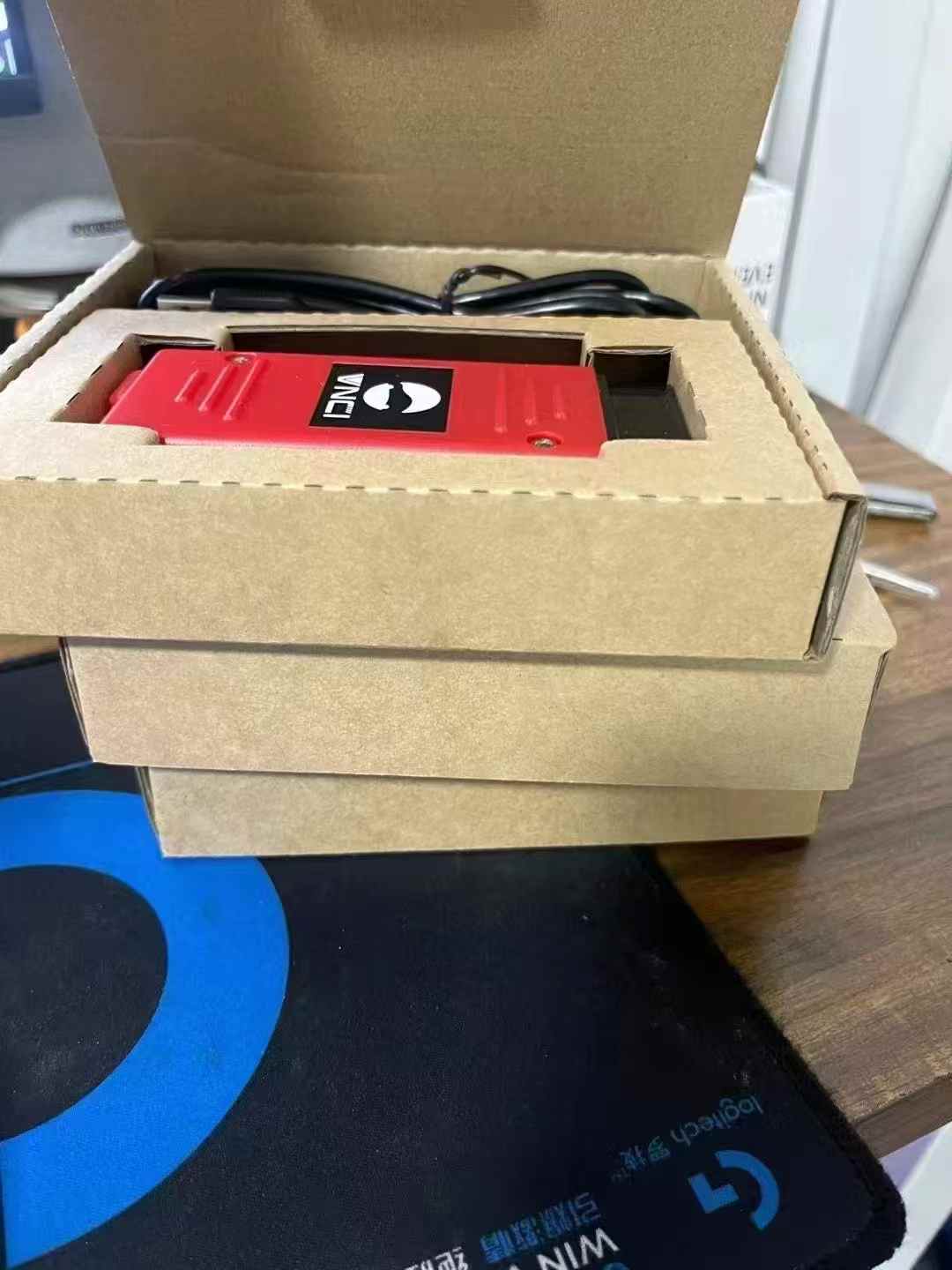
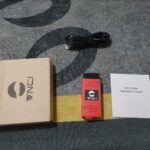
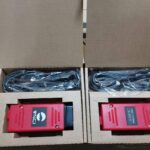
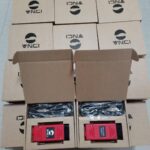
1pc x VNCI 6154A
1pc x USB Cable
1pc x Paper Box
1pc x VNCI 6154A Plus 256 SSD Software(80$ More)
CheShiTech.com— China OBD2 Tool, Automotive Diagnostic Tools, Car Key Programmer, OBD2 ECU chip tuning tool Center.
Contact information:
Website: https://www.cheshitech.com
Email: chinaobd2store@gmail.com
Skype: sales-obd2store@outlook.com
Whatapp/Wechat: +86-19870637508/+86-13691674080
https://api.whatsapp.com/send?phone=8619870637508
https://api.whatsapp.com/send?phone=8613691674080
其他信息
| 重量 | 1 公斤 |
|---|---|
| Software Selection | 1. Without software, 2. With ODIS Latest Version Software SSD ODIS 25.0.3 |
Red VNCI 6154A VAG Diagnostic Tool Audi VW VNCI 6154A ODIS FD Doip Support ODIS Latest Version Software ODIS 25.0.3 compatiable with ODIS Engineer V19.01 Works with original driver not need VNCI 6154A driver manager 有 2 个评价
添加评价
Related Products
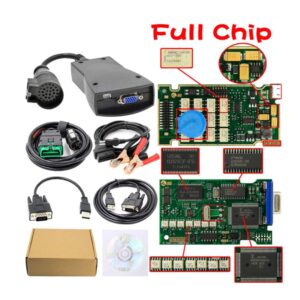
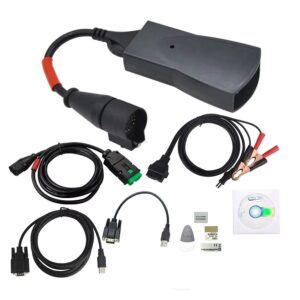
Lexia 3 PP2000 Full Chip Lexia 3 PP2000 Citroen Peugeot Diagnostic Tool Work With Lexia 3 V48 PP2000 V25 And Diagbox V7.83 Software
原价为:$139.99。$109.99当前价格为:$109.99。

admin168 (store manager) –
Red VNCI 6154A VAG Diagnostic Tool work not need VNCI 6154A driver manager, but need Driver Download: rokwy.com/download/VNCI6154ADevMngrSetup.exe
admin168 (store manager) –
VNCI 6154A ODIS FD Doip can work with ODIS Latest Version Software ODIS 25.0.3