
-16%






- 描述
- 其他信息
- 用户评价 (2)
描述
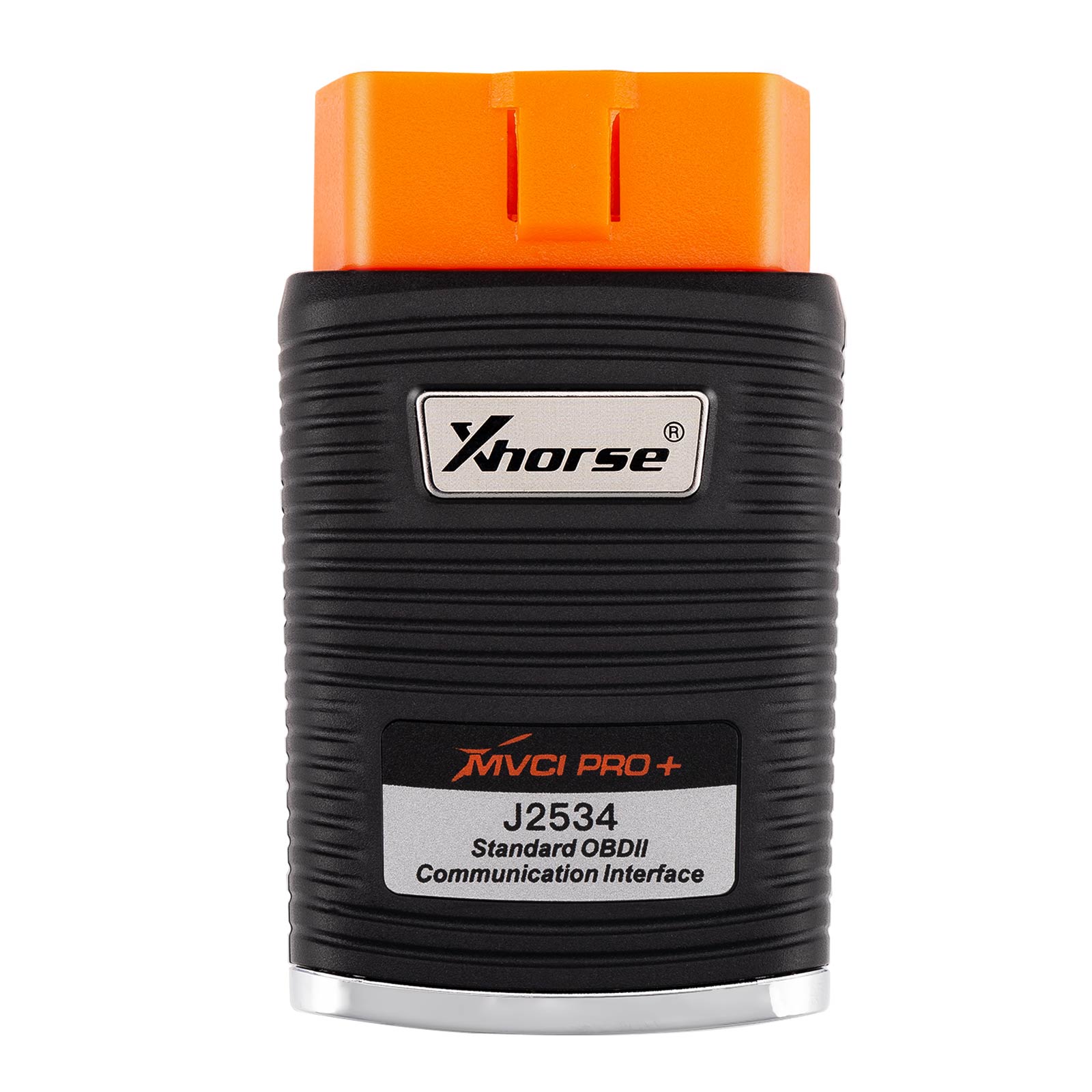
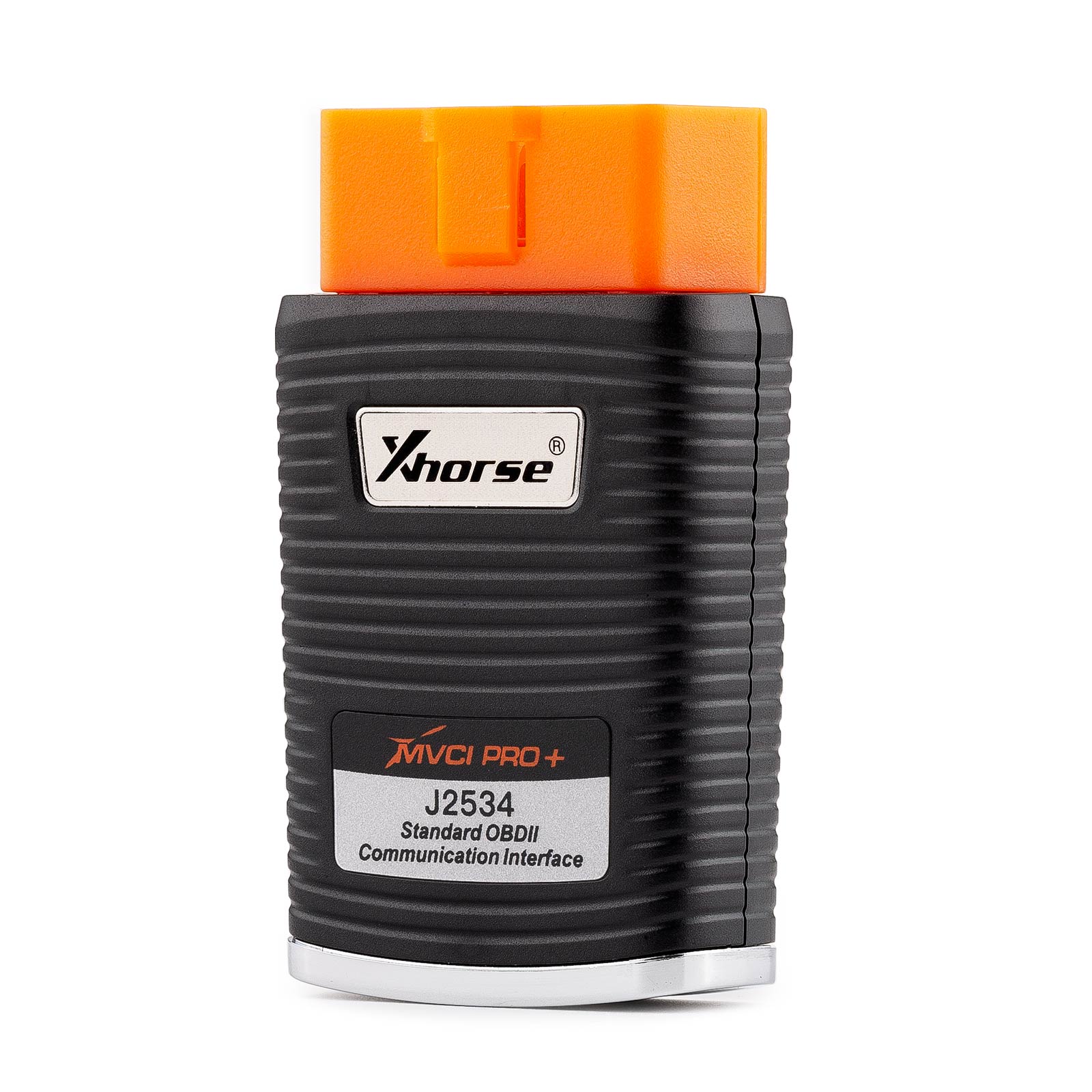
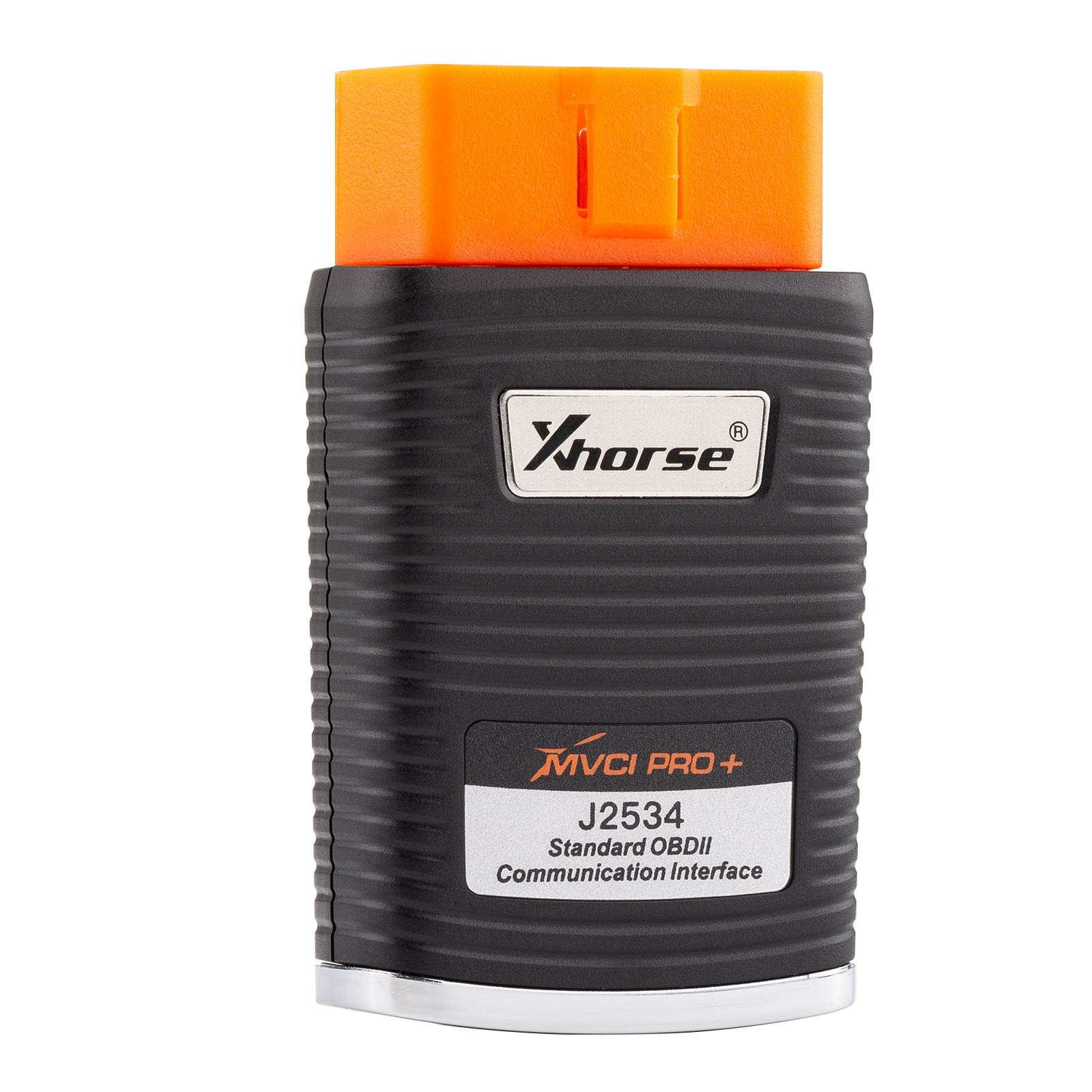
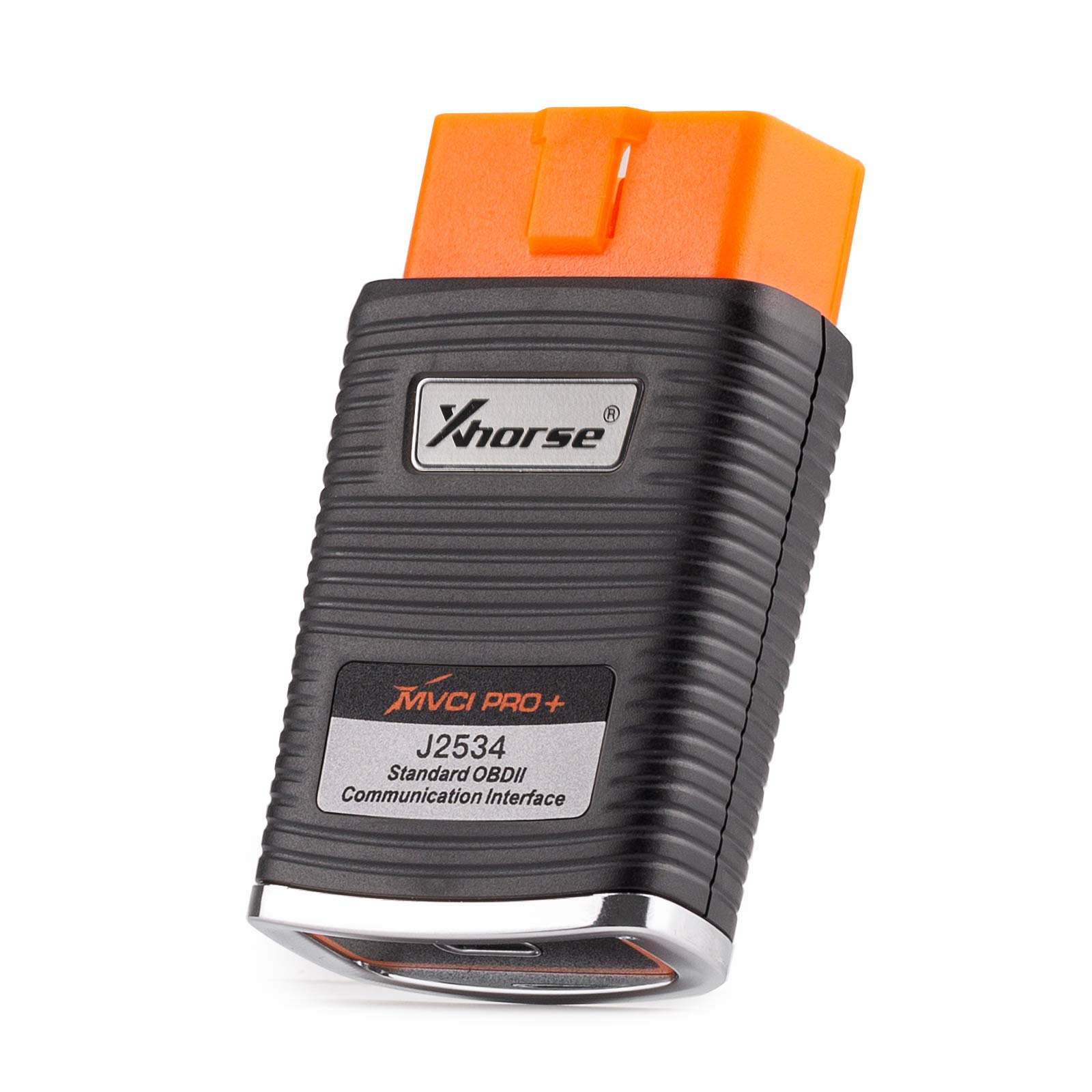
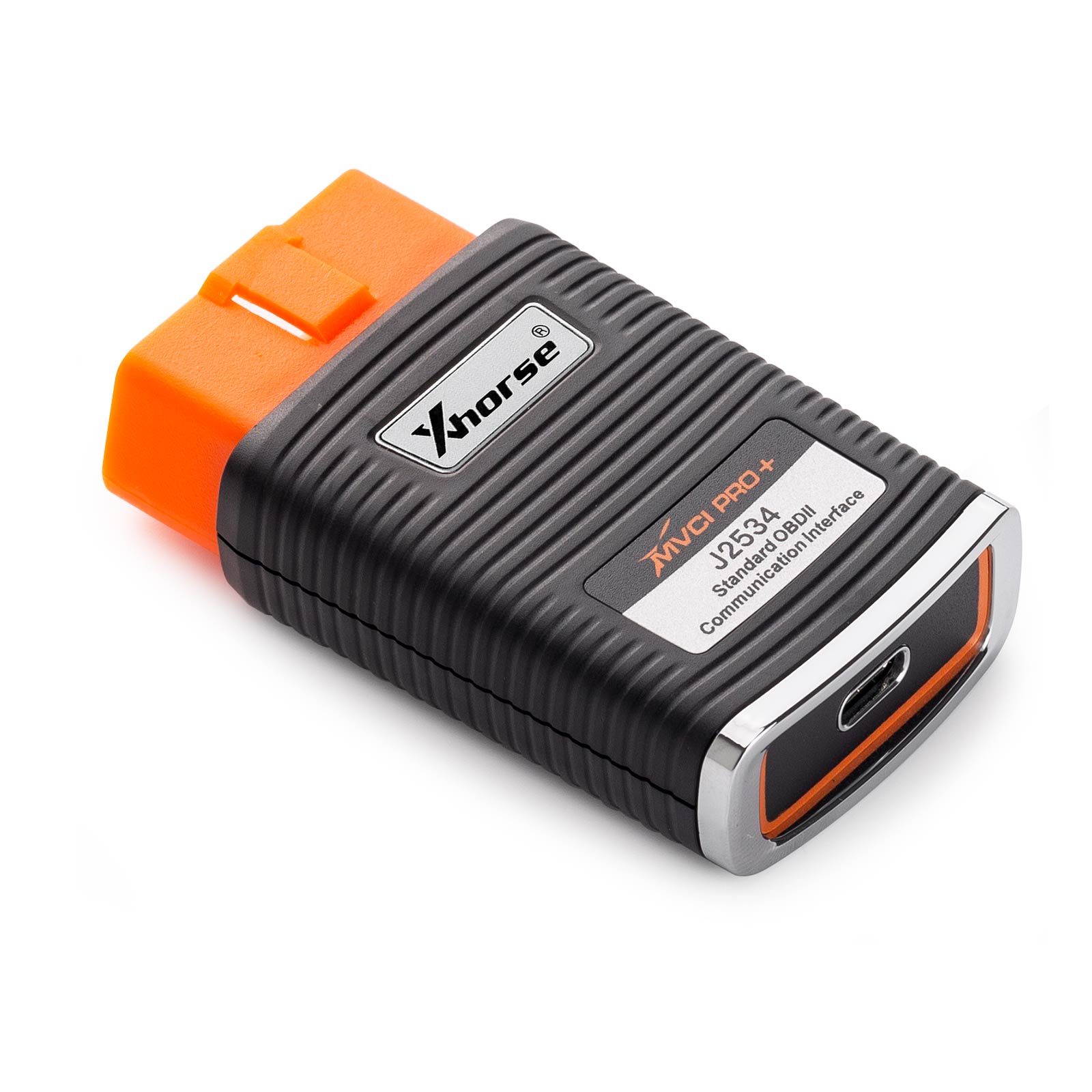
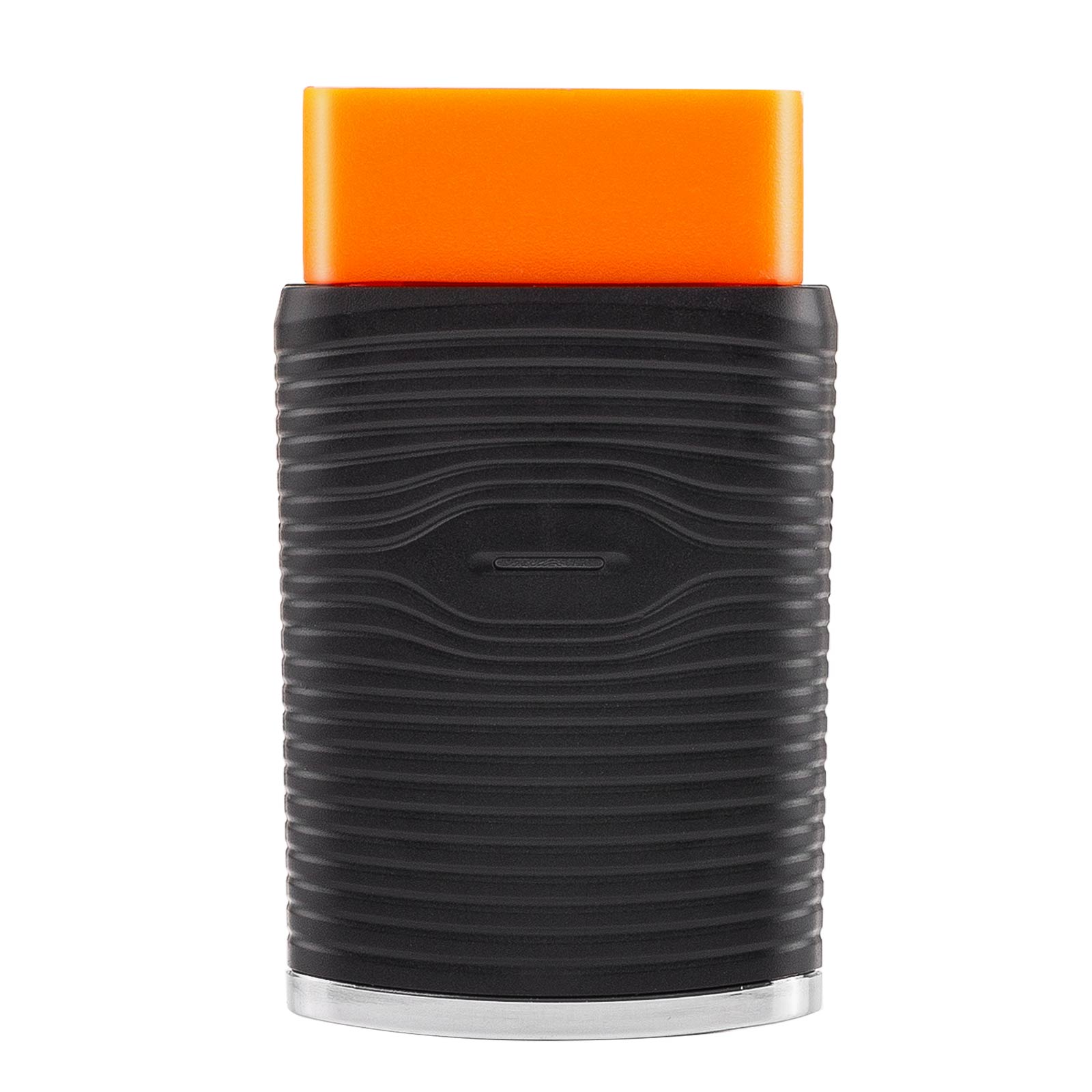
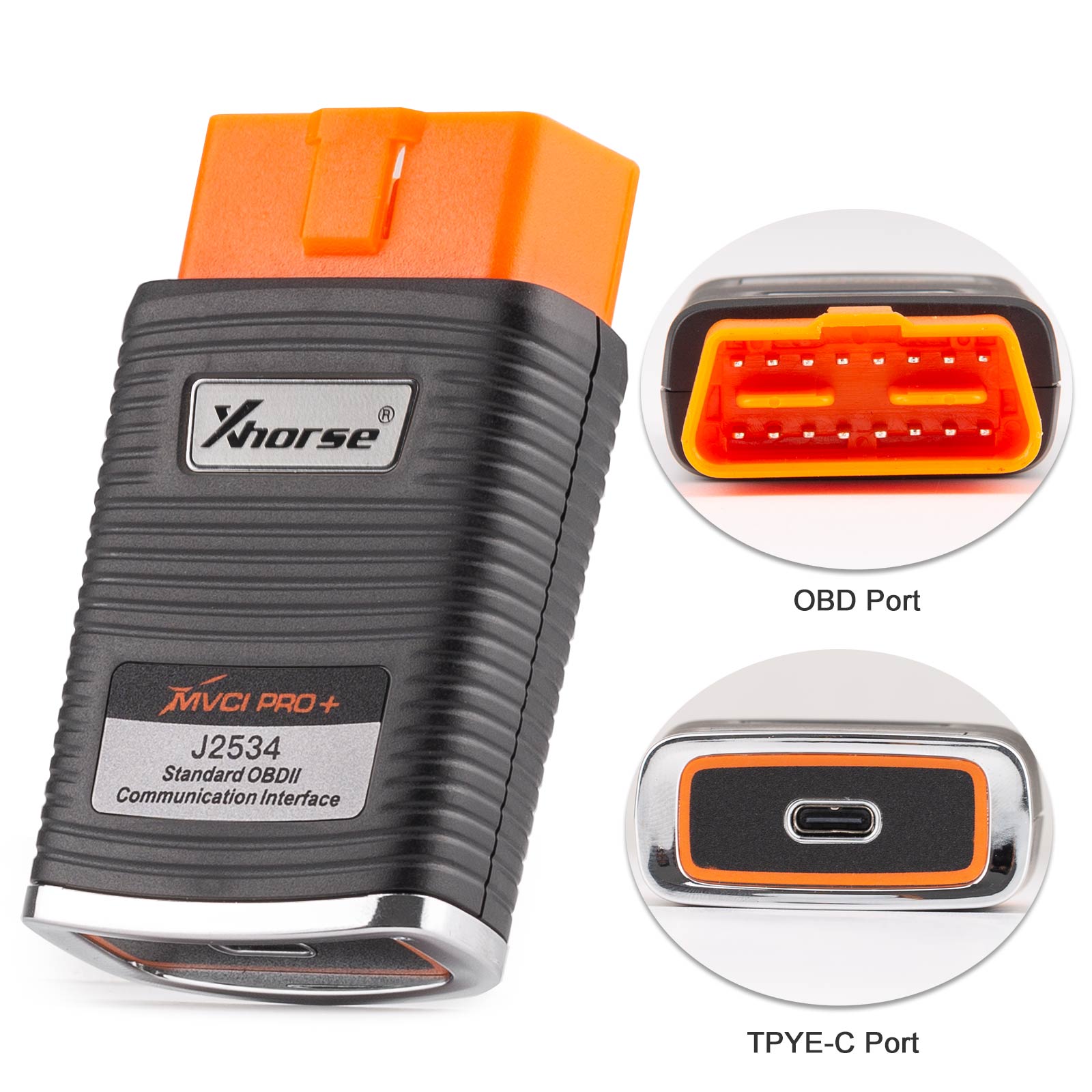
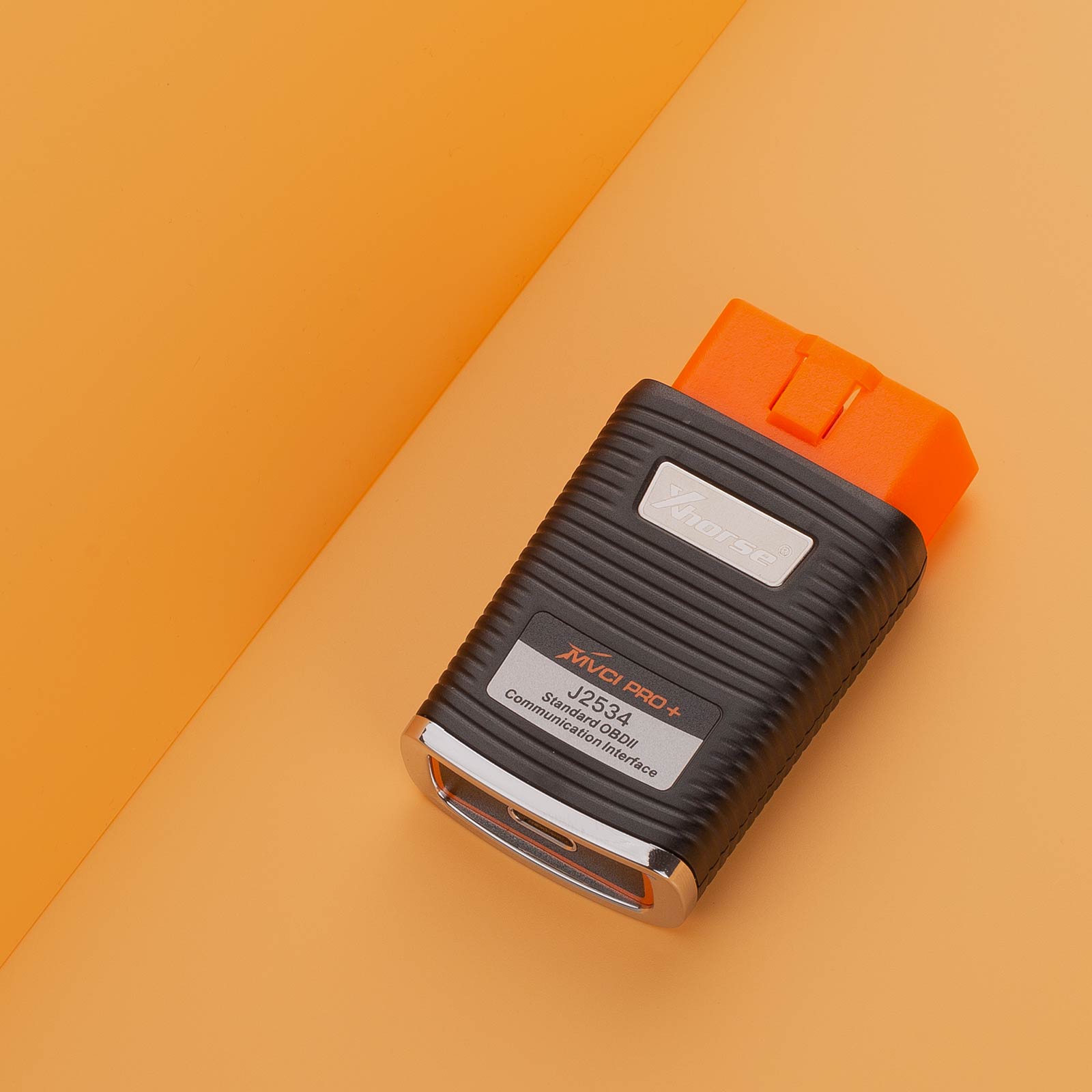
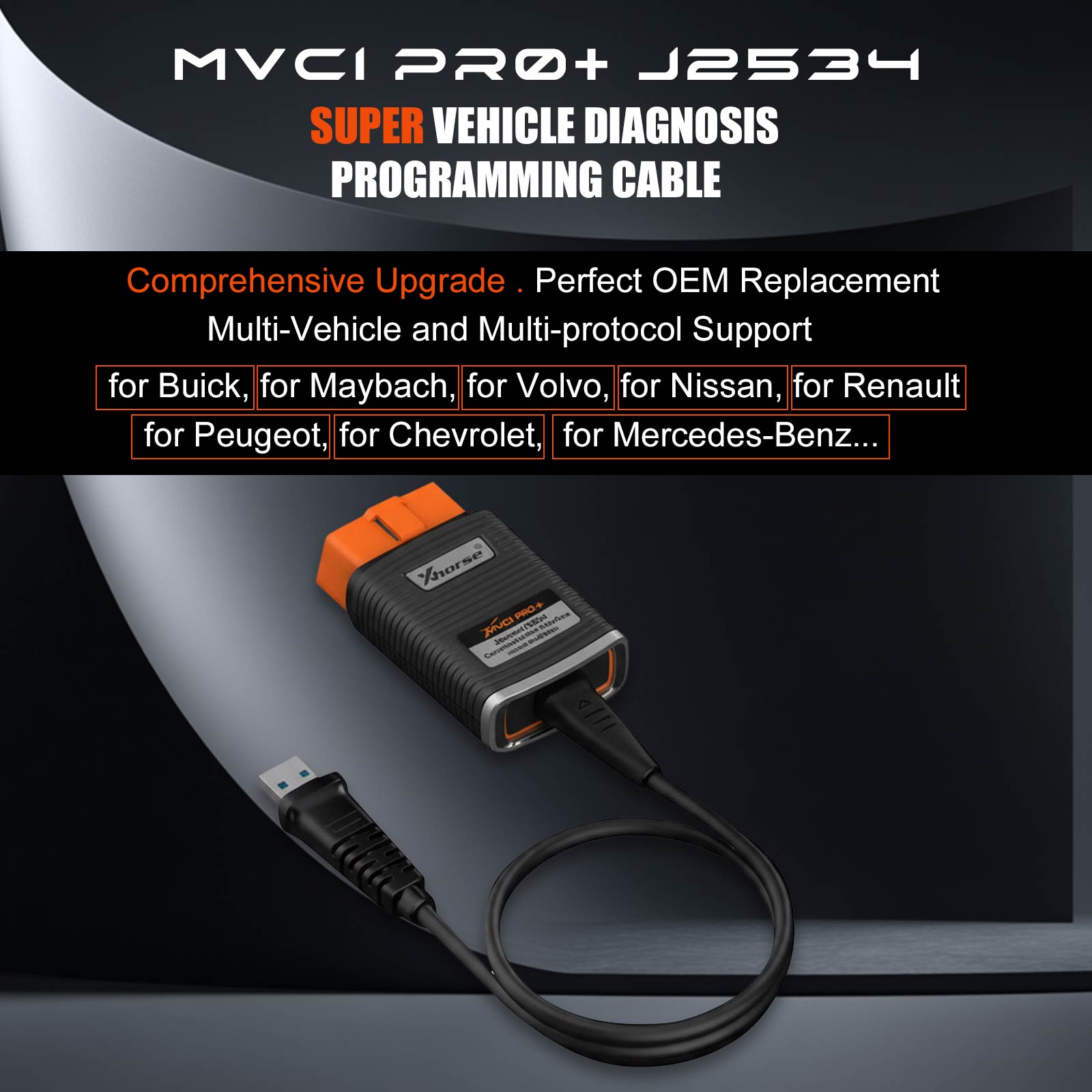
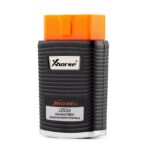
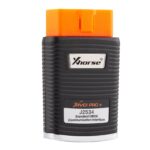
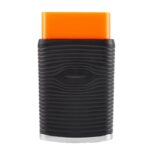
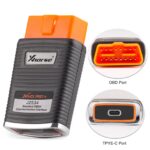
XHORSE XDMVJPGL MVCI PRO+ J2534 Passthru Cable Supports OEM software for Toyota, Lexus, VAG Toyota Honda Volvo Mazda Ford Subaru GM PSA Renault. XHORSE MVCI PRO+ J2534 Super Vehicle Diagnostic And Programming Cable Supports VAG Toyota Honda Volvo Mazda Ford Subaru GM PSA Renault Benz Volvo Nissan. CheShiTech.com 2nd Generation XHORSE XDMVJPGL MVCI PRO+ J2534 Diagnostic Interface Work With XHORSE MVCI PRO j2534 software And XHORSE MVCI PRO j2534 driver.
XHORSE XDMVJPGL MVCI PRO+ J2534 Passthru Cable XHORSE MVCI PRO+ J2534 Super Vehicle Diagnostic And Programming Cable Supports VAG Toyota Honda Volvo Mazda Ford Subaru GM PSA Renault Benz Volvo Nissan
CheShiTech.com 2nd Generation XHORSE XDMVJPGL MVCI PRO+ J2534 Diagnostic Interface Work With XHORSE MVCI PRO j2534 software And XHORSE MVCI PRO j2534 driver
The MVCI Pro j2534 can be used as passthru cable for OEM Software VAG Toyota Honda Volvo Mazda Ford Subaru GM PSA Renault Benz Volvo Nissan etc.
PN: XDMVJP
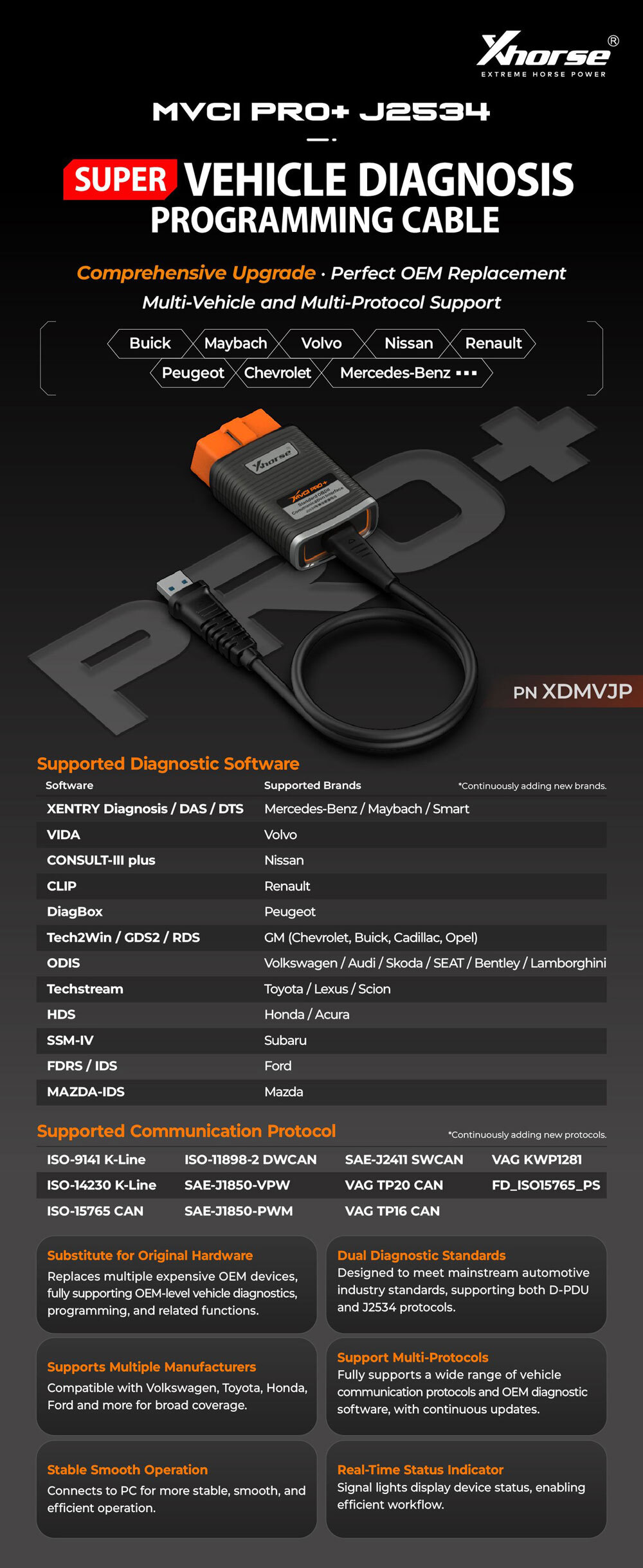
XHORSE MVCI PRO+ j2534 Passthru Cable Support Software and Diagnostic Brands:
Continuously adding new brands.
| Supported Brands |
| Benz, Maybach, Smart |
| Volvo |
| Nissan |
| Renault |
| Peugeot |
| GM group |
| VAG |
| Honda Acura |
| Subaru |
| Ford |
| Mazda |
NOTE: XHORSE MVCI PRO+ j2534 software Software is not provided.
XHORSE MVCI PRO+ j2534 Software Download Free:
Ford Mazda Honda Toyota Nissan PSA Volvo software
XHORSE MVCI PRO+ j2534 driver download
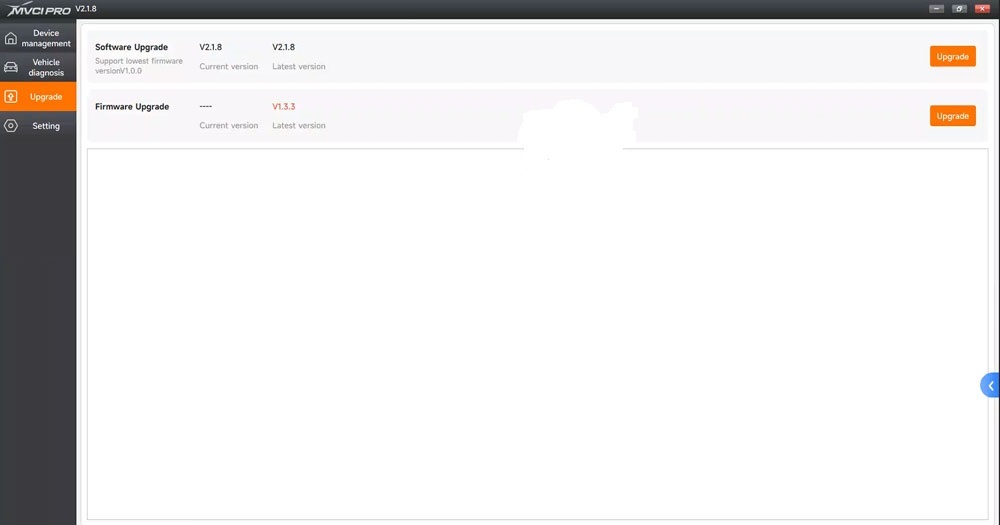
Current software version: V2.1.9
Current firmware version V1.3.6
Both software and firmware version can be updated online.
Support Diagnostic Software
This product supports the following diagnostic software (more brands are continuously updated):
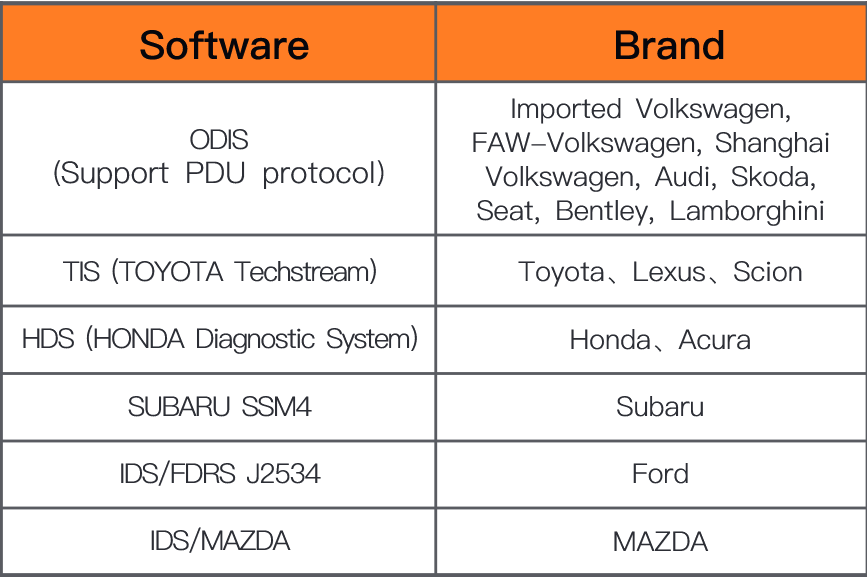
XHORSE MVCI PRO+ j2534 Passthru Cable Description
1. Xhorse XDMVJPGL MVCI PRO+ J2534 Cable can do for Mercedes-Benz, Toyota, Honda, Ford and more
2. Support D-PDU and J2534
3. Stable and easy to use
XHORSE MVCI PRO+ j2534 Passthru Cable Introduction:
Xhorse MVCI PRO+ meets the design of mainstream automotive industry standards. Many automotive manufacturers in the market support J2534 automotive communication protocol. For example: for Volkswagen, for Toyota, for Honda, for Ford, etc.
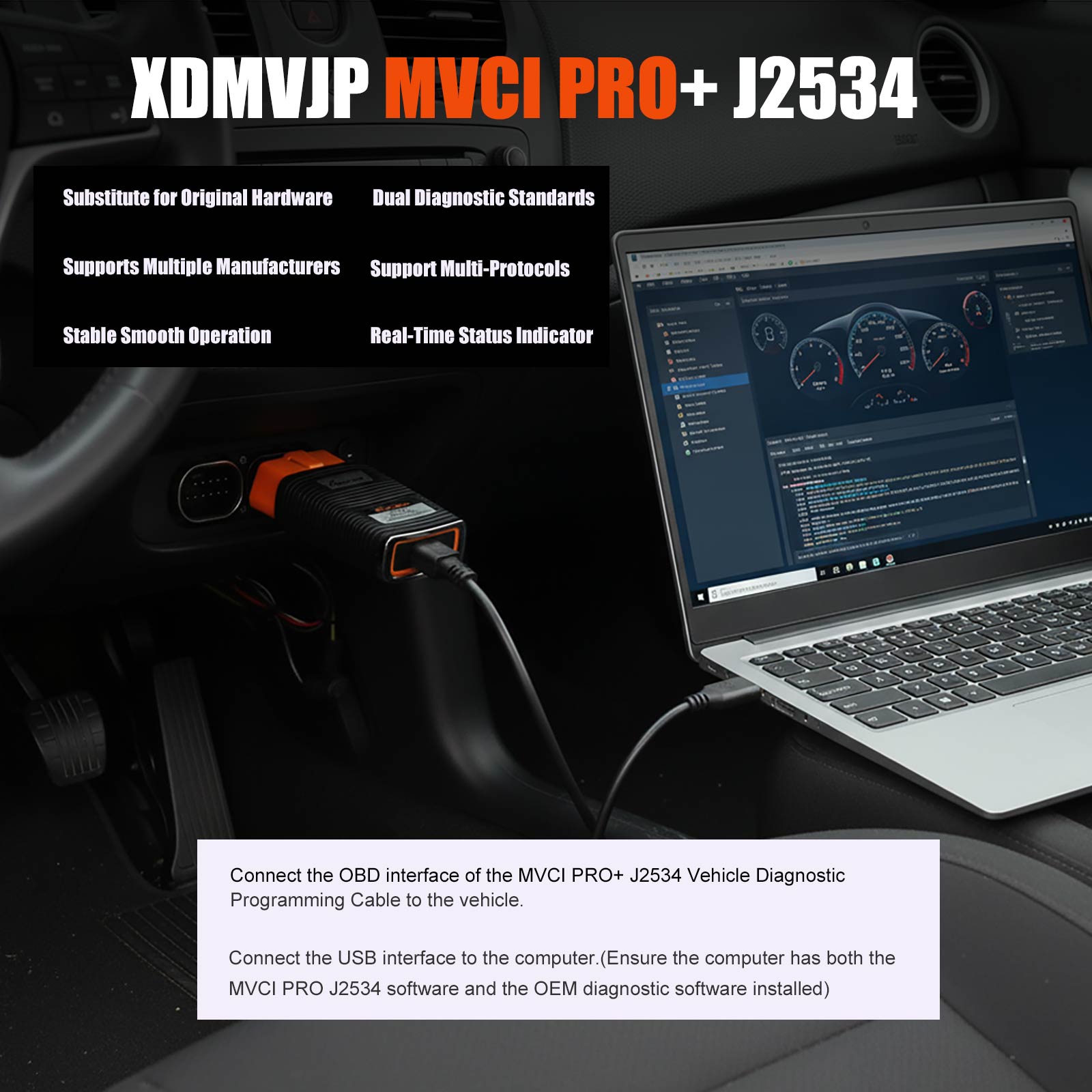
Install the original diagnostic software that supporting J2534 vehicle communication protocol on the computer, connect the MVCI PRO J2534 vehicle diagnostic programming cable between the vehicle and the computer, the J2534 cable can support vehicle diagnosis, programming and other functions instead of use the original detection device.
MVCI PRO J2534 vehicle diagnosis programming cable supports a variety of original diagnostic software, such as for Volkswagen (supporting PDU protocol), for Toyota, for Honda, for Subaru, for Ford, for Mazda, etc.
Xhorse MVCI PRO+ J2534 Cable Features:
lt can perfectly replace the original inspection devices to complete vehicle diagnosis and programmingfunctions
Designed to meet mainstream automotive industry standards, supporting D-PDU and J2534 diagnostic standards, and supporting multiple automotive manufacturers such as Volkswagen, Toyota, Honda, Ford, etc
Support a variety of communication protocols and original diagnostic software (more protocols andbrands are continuously updated)
Support connecting to the vehicle and the computer, making it more stable and smooth to operate. And the signal LED will prompt the device status, helping to work effciently
Support Communication Protocols
This product supports the following vehicle communication protocols (more protocols are continuously updated):
CAN
ISO15765
ISO9141
J1850VPW
CAN_PS
ISO15765_PS
ISO9141_PS
J1850VPW_PS
FT_CAN_PS
ISO14230
J1850PWM
SW_CAN_PS
FT_ISO15765_PS
ISO14230_PS
J1850PWM_PS
SW_ISO15765_PS
Keep updating…
Xhorse MVCI+ Pro Features:
Substitute for Original Hardware
Replaces multiple expensive OEM devices, fully supporting OEM-level vehicle diagnostics, programming, and related functions.
Support Multiple Manufacturers
Compatible with Volkswagen, Toyota, Honda, Ford and more for broad coverage.
Dual Diagnostic Standards
Designed to meet mainstream automotive industry standards, supporting both D-PDU and J2534 protocols.
Support Multi-Protocols
Fully supports a wide range of vehicle communication protocols and OEM diagnostic software, with continuous updates.
Stable Smooth Operation
Connects to PC for more stable, smooth, and efficient operation.
Real-Time Status Indicator
Signal lights display device status, enabling efficient workflow.
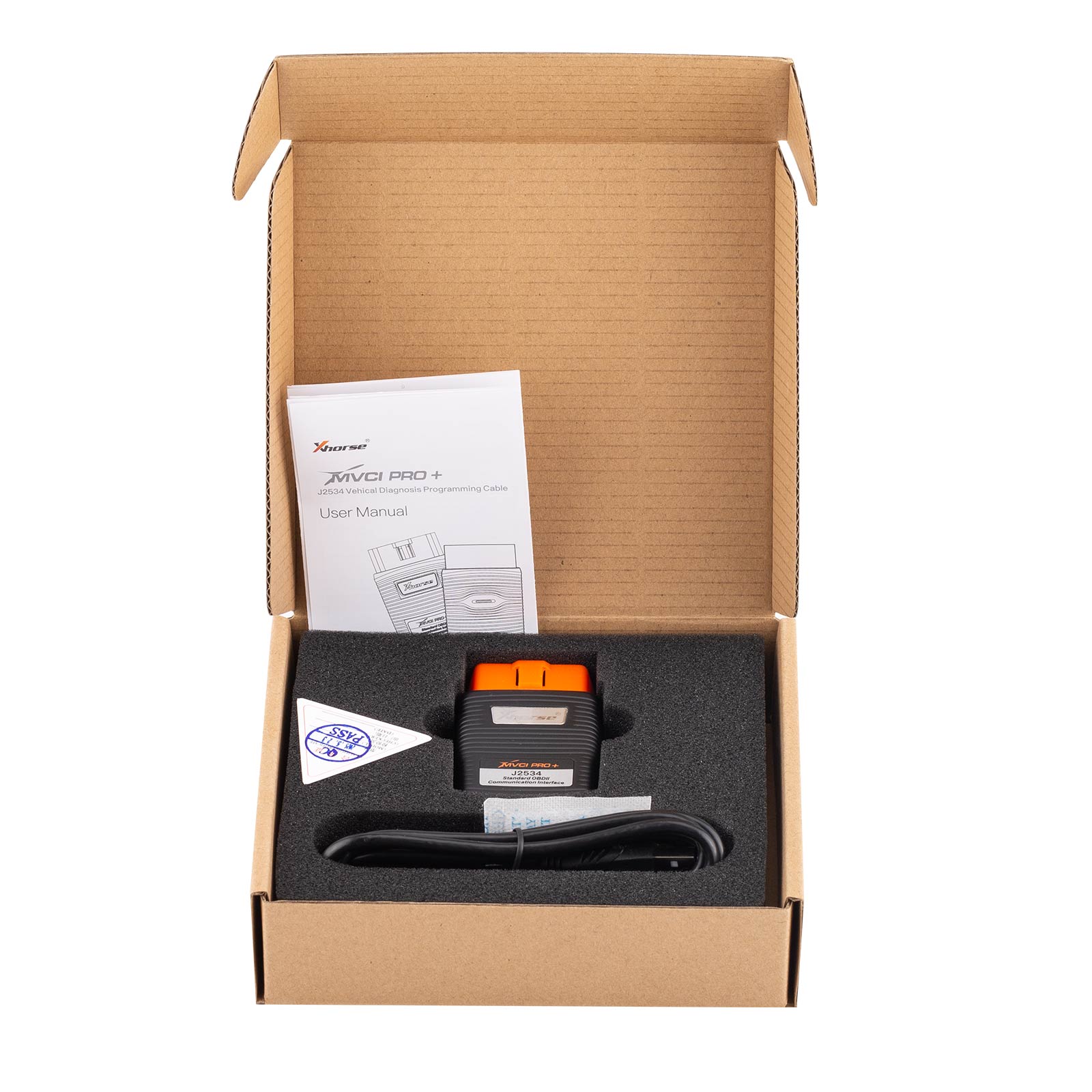
Xhorse XDMVJPGL MVCI PRO+ J2534 Cable Packing List
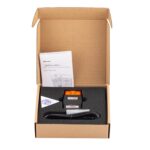
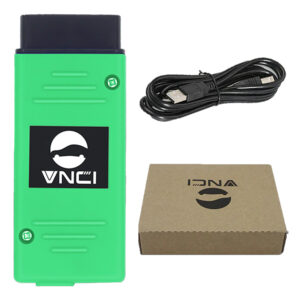
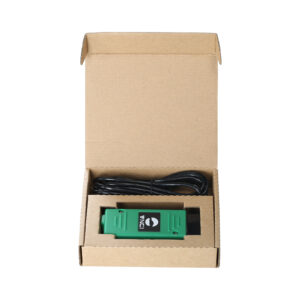
1pc XHORSE MVCI PRO+ J2534 Passthru Cable
How to Set up Xhorse XDMVJPGL MVCI PRO+ J2534 Cable?
1. Download and install the original diagnostic software on the computer. The original software needs to support J2534(Note: The original software needs to be downloaded by users from other channels. Some brands have special J2534 diagnostic software. Please refer to the official data of the original manufacturer for details.)
2. Download and install MVCI PRO-J2534 software on the computer at the following address: http://dl.xhorse.net.cn/p/vd06
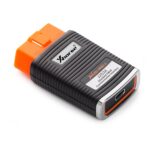
3. Connect the OBD interface of MVCI PRO-J2534 vehicle diagnosisprogramming cable to the vehicle, and connect the USB interface to the computer (the computer needs to be installed with MVCI PRO J2534 software and the original diagnosis software).
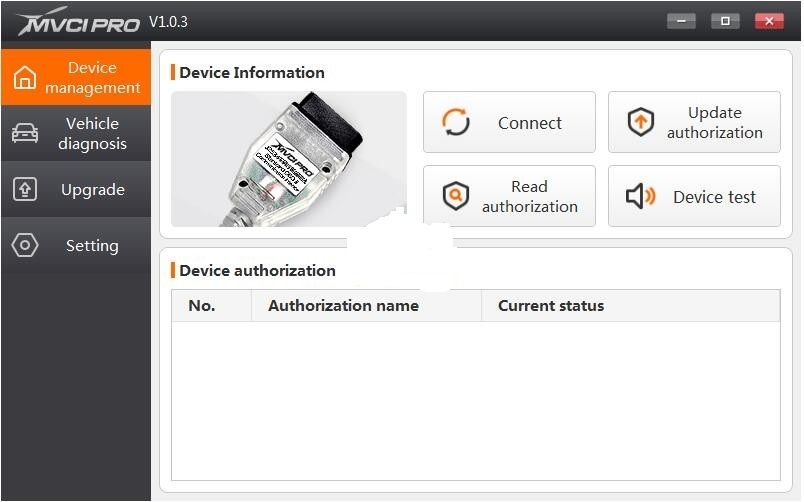
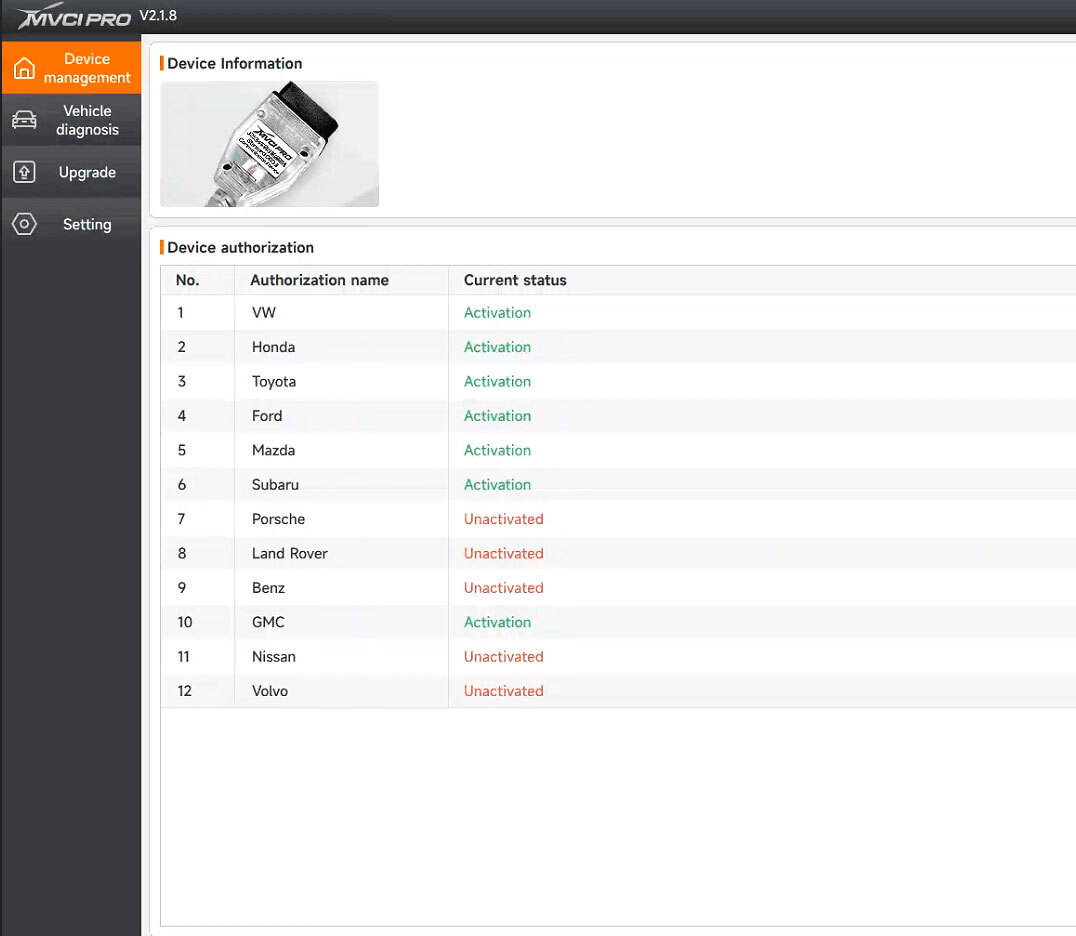
4. After connecting, click [Connect Device] in MVCI PRO-J2534 software. After connecting successfully, you can view the device information, including firmware version number, serial number, etc. [Read authorization] can read the current device authorization statusand available times. (Note: When the number of available times is 0, theuse of most functions will be limited)[Update authorization] can update the latest authorization status of the device and reset the available times.
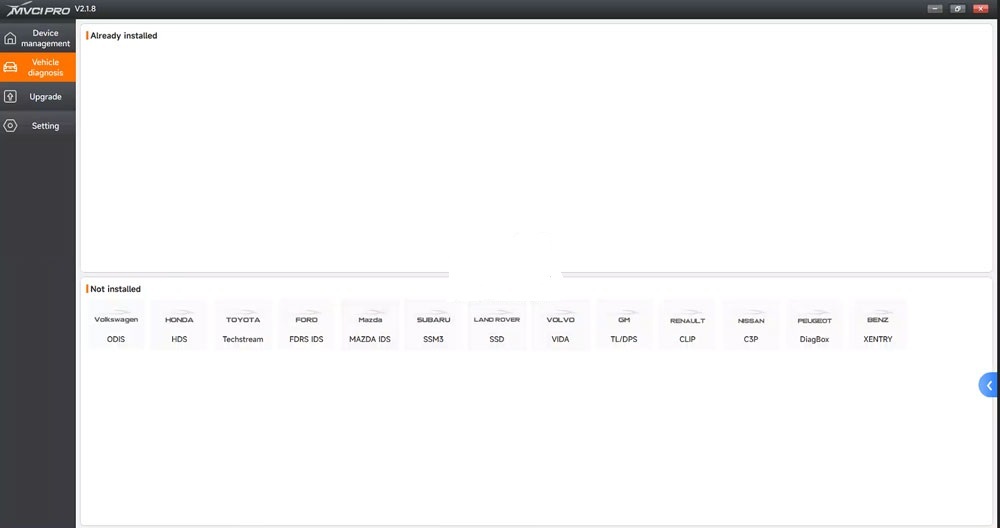
5. Install the drive required by the corresponding brand in MVCI PROJ2534 software [Vehicle diagnosis]. After successful installation, youcan operate on the original diagnostic software.
6. In MVCI PRO+ J2534 software [Upgrade], you can view the current version information, update software and firmware.
7. In MVCI PRO+ J2534 software [System setting], you can switch software language, open operation log and save operation log.
CheShiTech.com— China OBD2 Tool, Automotive Diagnostic Tools, Car Key Programmer, OBD2 ECU chip tuning tool Center.
Contact information:
Website: https://www.cheshitech.com
Email: chinaobd2store@gmail.com
Whatapp/Wechat: +86-19870637508/+86-13691674080
https://api.whatsapp.com/send?phone=8619870637508
https://api.whatsapp.com/send?phone=8613691674080
其他信息
| 重量 | 0.4 公斤 |
|---|




admin168 (store manager) –
I tried the new XHORSE XDMVJPGL MVCI PRO+ J2534 Passthru Cable with Toyota software. I can see that it’s truly compatible with all protocols… OpenPort had its limitations It works perfectly. Regards
admin168 (store manager) –
XHORSE MVCI PRO+ J2534 Super Vehicle Diagnostic And Programming Cable Little feedback: Mazda ork very well and PSA very well. toyota very well. Futur testing Renault software.